CART
MY ACCOUNT
Products
Support
Computer
Accessories
Mice
Mice
Trackballs
Touchpads
Presenters
Designed for Mac
Keyboards
Keyboards
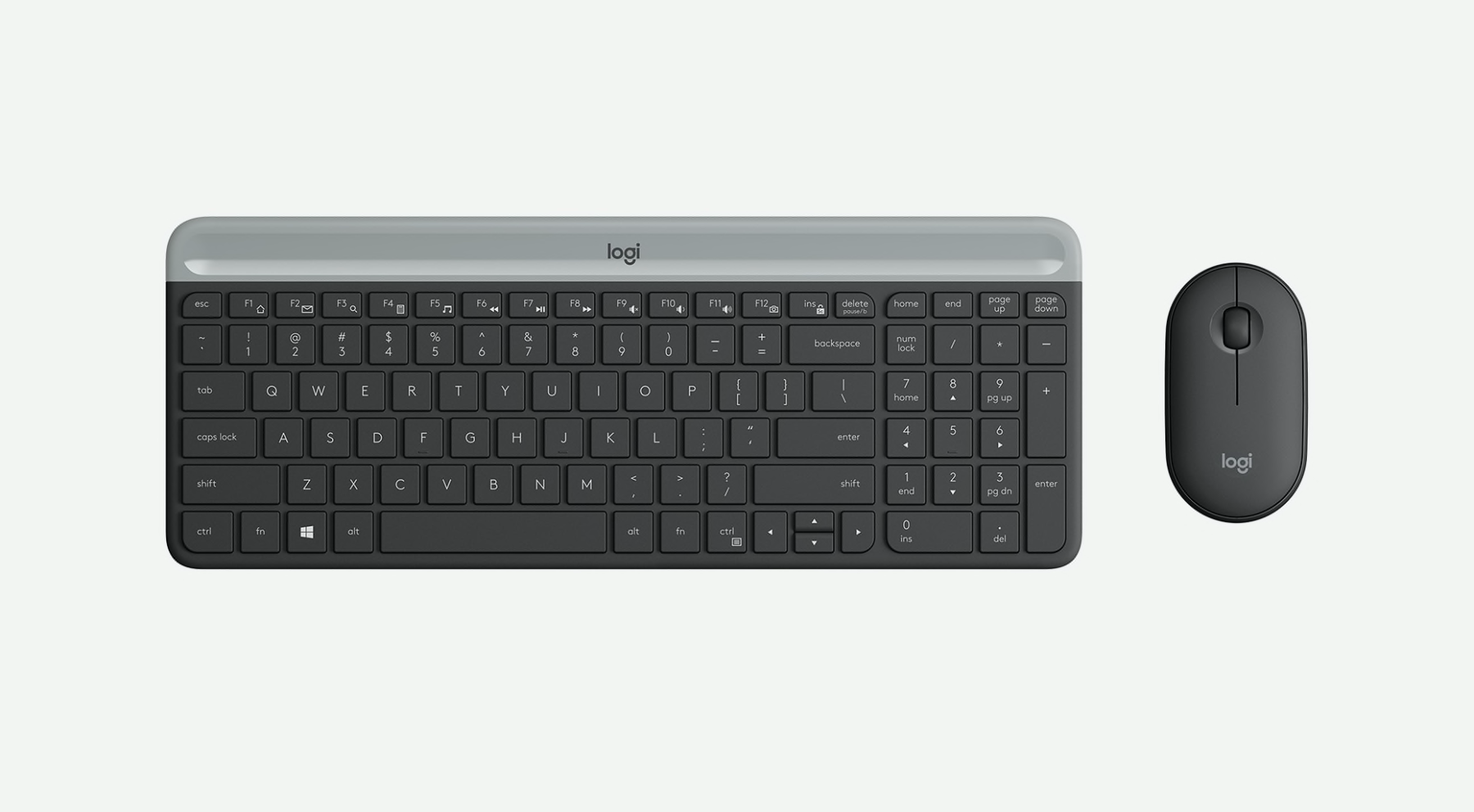
Keyboard + Mouse Combos
Designed for Mac
Webcams + Headsets
Webcams
Headsets
Multimedia Speakers
Speakers
Gaming
Tablet
Accessories
Keyboards
For iPad
iPad Covers
Digital Home
Products
Harmony Remotes
Remote Accessories
TV Cam
Security
Accessories
Master Systems
Add-On Cameras
Premium Services
Security System Configurator
Busted videos
Awards
Gaming
Mice
Keyboards
Headsets
Controllers
Music
Earphones
Headphones
Wireless Speakers
Smart Radio
Pro Earphones
More Music
Wireless Speaker
Business
By Product
Keyboards
Keyboard + Mouse Combos
Speakers
Tablet Accessories
Presentation Devices
Webcams
Headsets
Mice
Unified Communications
Products
Support
Support + Downloads
Support Community
Contact Us
Parts Store
Oops. You need to have JavaScript enabled to experience this Web site in all its glory.
Learn how to enable JavaScript in your browser.
Support + Downloads
/
Keyboards
/
G13 Advanced Gameboard
Support
Downloads
Troubleshooting
Contact Us
Y-U0002
Not the right product? Search again.
Product Documentation
Not available for this product
Warranty Information
Limited Hardware Warranty
Support FAQs
Here's a current list of the most popular FAQs:
How to
Programming gaming keyboard G-Keys using Logitech Gaming Software
Managing LCD applets
Adding mouse-clicks and timing-delays to macros
Making LCD applets
Using the LCD screen on G-Series keyboards
Linking profiles between a G-Series keyboard and gaming mouse using Logitech Gaming Software
Creating macros for G-Series keyboards
Configuring backlight color on G-Series keyboards
Using the M-Keys on my keyboard
Finding the correct .exe file for a gaming-keyboard profile
Assigning functions to my G-Keys
Creating profiles for games that use both single- and multiplayer .exes
Showing and hiding the G15 and G13 LCD Manager menu bar icon (Mac OS X)
Configuring multiple G-Series keyboards on one computer
Tutorial: Uninstalling GamePanel Software for Mac
Troubleshooting partial macro functionality
Managing profiles for the G13 Advanced Gameboard using Logitech Gaming Software
Creating profiles for my G-Series Keyboard
Configuring the mini-joystick (thumbstick) on the G13 Advanced Gameboard
Setting up default and persistent profiles
Configuring G-series LCD Screen options on GamePanel Software for Mac
Brightness button on the G13 Advanced Gameboard
More...
Reference
Windows 8 product support and device compatibility
LCD screen and game-specific applets
G-Series LCD software development kit (SDK)
G13 Technical Specifications
Reference: Location of files installed in GamePanel Software for Mac
Legacy Software - Tutorial: Re-watching the G-Series Keyboard flash video
More...
Setup
Downloading the latest software for the G13 Advanced Gameboard
Manuals for G13
Troubleshooting
Profiles aren’t working properly in a particular game
Warranty duration for my G13
My gaming-keyboard profile stopped working after a game update
G-Series keyboard screen does not support my game
Contacting technical support for your G13
Legacy Software - My gaming keyboard G-keys do not function in certain applications in Microsoft Vista
Troubleshooting G-Key assignments and macros using Logitech Gaming Software
Gaming-keyboard profile stops working in the middle of a game
More...
Software Downloads
Download installation software, drivers, updates and more.
Y-U0002
Please choose your operating system.
Choose OS
Windows 8
Windows 7
Windows Vista
Windows XP
Mac OS 10.6.8-10.8.x
Mac OS 10.4.x-10.6.7
This site uses cookies. To continue without changing your settings you agree to the use of cookies.
Find out more.