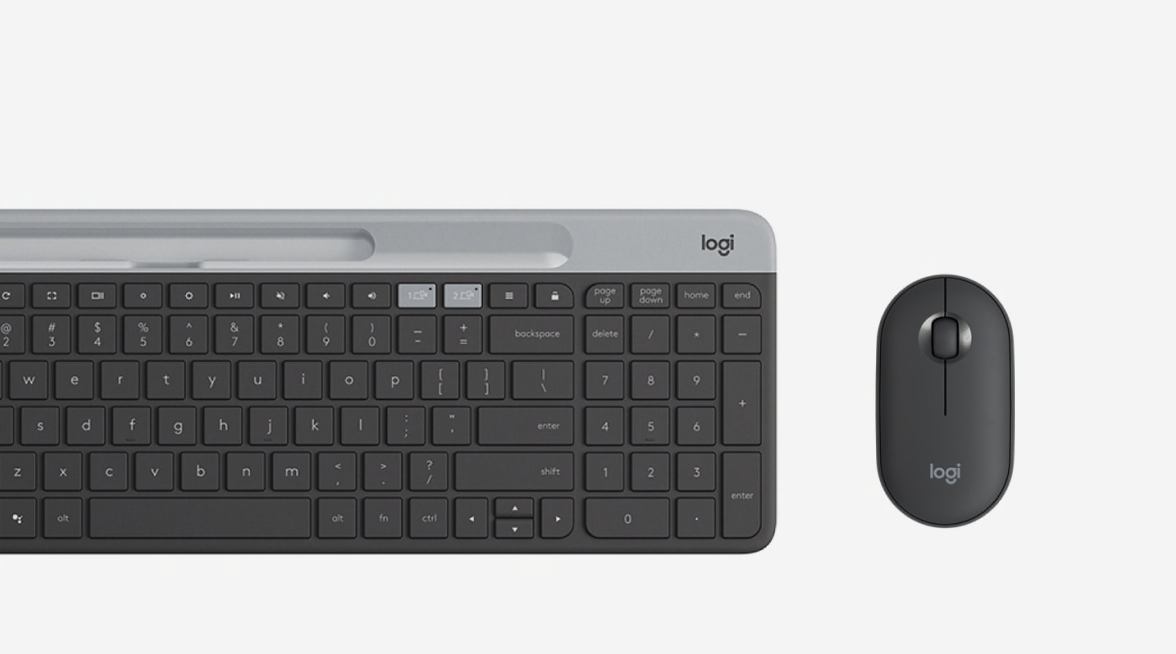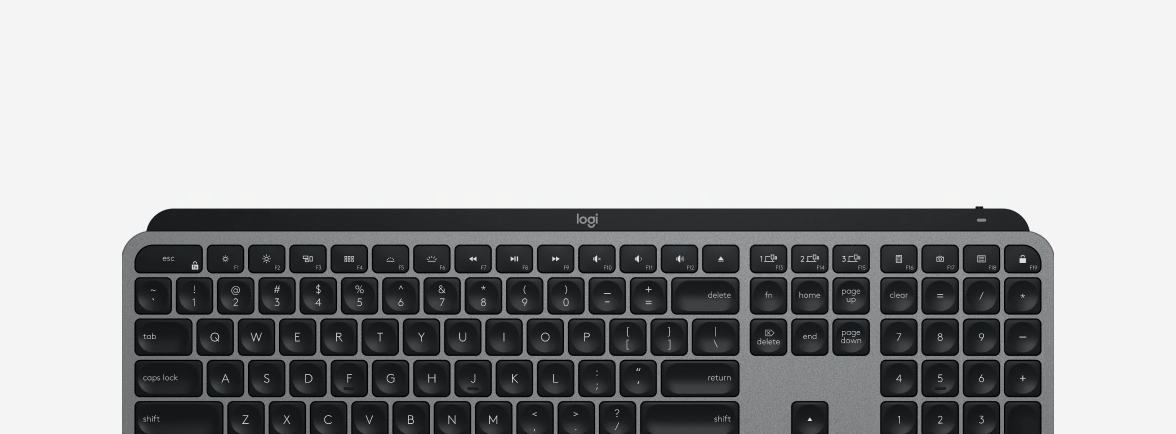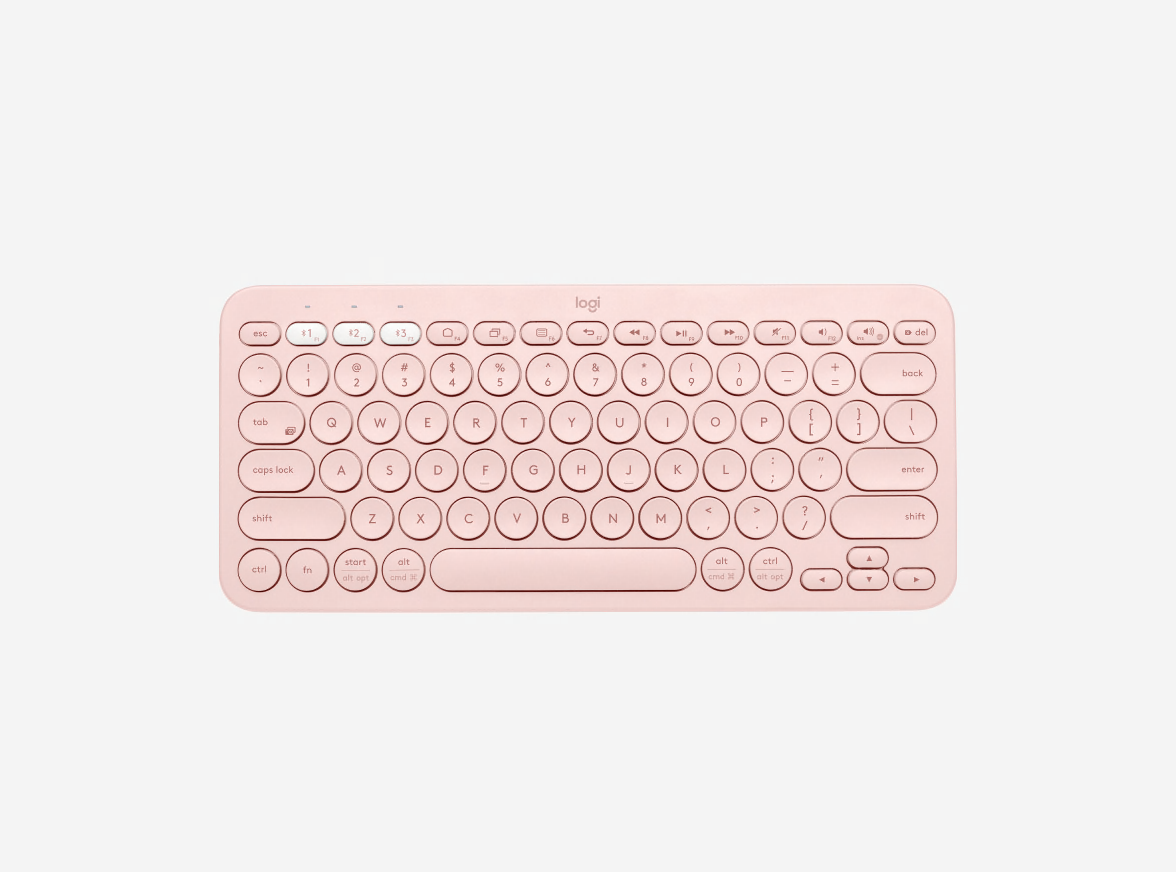
Logitech Wireless Illuminated Keyboard K800

     
USD 119.99
Wireless Illuminated Keyboard K800 Glamour Image LG

Keyboard modern dan nyaman, menyediakan pengalaman mengetik paling cerdas, siang maupun malam.

Lighting the way

Mengetik dengan panduan cahaya

Anda dapat bekerja atau bermain dengan mengaktifkan cahaya pada tombol keyboard, cukup terang untuk mengetik di kegelapan.

Tampil menawan di meja

Meja kerja Anda akan terlihat tampil lebih menawan berkat desain keyboard wireless yang tipis, sudut lengkung, dan kokoh.

Mengetik semakin asyik

Setiap ketikan yang Anda lakukan akan terasa nyaman, lebih lancar dan terdengar hening dengan menggunakan PerfectStroke™ key system.

Wireless Illuminated Keyboard K800 AMR Feature Image

Dengan backlight otomatis dan sensor deteksi tangan, keyboard modern dan nyaman ini menyediakan pengalaman mengetik paling cerdas, siang maupun malam.

Tombol backlit

Kini, Anda dapat mengetik dengan lebih mudah, bahkan di dalam kegelapan sekali pun menggunakan tombol bercahaya yang memberikan penerangan memadai. Hanya tombol karakter yang dapat menyala sehingga dapat memandu Anda tanpa hambatan sedikit pun.

Pencahayaan yang dapat diatur

Keyboard dapat menyesuaikan tingkat pencahayaan secara otomatis untuk menyesuaikan kondisi cahaya lingkungan sekitarmu. Atau, lakukan pengaturan sesuai kebutuhan Anda dengan tombol pengaturan yang tersedia.

Deteksi tangan

Sensor dapat mendeteksi keberadaan tangan di dekat keyboard untuk mengaktifkan backlight keyboard.

PerfectStroke™ key system

PerfectStroke key system berfungsi mendistribusikan kekuatan mengetik secara merata di semua permukaan tombol agar setiap ketikan yang Anda lakukan terasa lebih nyaman, lancar dan hening.

Pelajari lebih lanjut bagaimana PerfectStroke menjadikan pengalaman mengetik Anda semakin sempurna.

Logitech® Incurve keys™

Logitech® Incurve keys™

Tombol cekung andal memposisikan jari-jari Anda dengan tepat. Dan bagian sudut tombol yang lembut dan membulat memikat jari Anda untuk meluncur dari satu tombol ke tombol lain, bahkan berjam-jam lamanya.

Isi ulang baterai yang mudah dan cepat

Hubungkan kabel universal micro-USB untuk melakukan pengisian baterai dari tiga hingga enam jam dan nikmati daya tahan baterai hingga 10 hari*. Anda bahkan tetap dapat mengetik sembari mengisi baterai.

Desain modern dan kokoh

Dengan kontur modern, sudut melengkung dan tombol low-profile, keyboard ini melengkapi nuansa gaya di ruangan kerjamu, baik saat Anda menggunakan laptop ataupun desktop.

Logitech® Unifying receiver

Receiver mungil ini dapat Anda tinggalkan terpasang di laptop. Plus, Anda dapat dengan mudah menghubungkan perangkat wireless mouse atau keyboard yang kompatibel dengan receiver ini tanpa menggunakan receiver USB yang banyak.

Pelajari lebih lanjut mengenai Unifying receiver.

Logitech Advanced 2.4 GHz wireless

Kini Anda dapat bekerja atau bermain di berbagai tempat, seperti di sofa nyaman Anda. Koneksi wireless dengan jangkauan luas mengeliminasi jeda, dropout, dan interferensi.

Pelajari lebih lanjut mengenai teknologi wireless Logitech.

Mudah disimpan

Simpanlah keyboard dengan posisi berdiri tegak untuk memberikan ruang tambahan bagi meja Anda.

Manajemen daya

Tombol on/off dapat Anda manfaatkan untuk meningkatkan daya tahan baterai. Juga terdapat lampu indikator daya sebagai tanda peringatan daya baterai.

Daya tahan baterai lebih lama? Kami pun juga. Pelajari lebih lanjut.

Kemudahan pengaturan wireless

Cukup hubungkan receiver wireless ke port USB PC desktop atau laptop untuk langsung menggunakan koneksi wireless yang andal dan cepat.

Tombol full-size

Semua tombol yang ada telah diposisikan secara tepat agar Anda dapat mengetik dengan lebih cepat dan lebih nyaman.

* Pengisian baterai hingga penuh berkisar tiga sampai enam jam. Daya tahan baterai aktual bergantung pada pola penggunaan, pengaturan dan kondisi lingkungan. Baterai isi ulang (rechargeable battery) memiliki periode masa pengisian yang terbatas.

PerfectStroke™ key system. Your typing experience made near perfect.

Tapping into your needs

Clickety-clack. Remember that sound? The old electric typewriter. If you are old enough to remember, it isn’t just the clickety-clack that you probably miss so much. Rather, it’s the way the keys felt under your fingers.

It’s a desire to create an unforgettable typing experience that drove us to create Logitech® PerfectStroke™ key system. PerfectStroke combines the best of laptop and stand-alone keyboards to help make every key stroke smooth, comfortable, and whisper-quiet.


See all keyboards with PerfectStroke

The perfect blend

Traditional computer keyboards and laptop keyboards each have their benefits. Stand-alone keyboards generally use keys with longer, more comfortable key travel. Notebook keyboards have shorter key travel, but use a scissor-key mechanism that makes the response faster, compared to standard keyboards.

We figured why not give you the best of both worlds? PerfectStroke creates the perfect blend of laptop and traditional keyboards by combining the smooth action of notebook keys and the comfort of traditional keyboards.


Smooth moves

You don’t strike the keys perfectly every time. Sometimes, you might just catch the edge of a key. With PerfectStoke, you won’t feel the difference. Precision micro-scissors distribute force evenly across key surfaces so every keystroke you make is natural and fluid - even the imperfect ones.


Travel in comfort

With a typical notebook keyboard, your fingers have to travel 2.2 mm to activate a key. Most desktop keyboards, on the other hand, have a much more comfortable key travel of 3.5 mm to 4 mm. We gave our PerfectStroke keyboards a 3.2 mm key travel - so you can enjoy silent, responsive typing that’s comfortable too.


Logitech® Unifying receiver

Plug it. Forget it. Add to it. You’ve got the Logitech® Unifying receiver.

The Unifying receiver stays in your notebook, so there’s no need to unplug it when you move around. It’s so tiny, you won’t need to worry about the receiver breaking off or getting lost.

Download Connection software now.

And it’s easy to add a compatible wireless keyboard or mouse to the same receiver. Build your ideal combo. Add something. Replace something. It’s as simple as can be and you’ll use only one USB port.

Learn more about Unifying.

Uniting your setup

Your laptop is convenient. You use it on the couch, in the kitchen, at the coffee shop—wherever you want. Logitech makes your laptop as comfortable as it is convenient with portable mice and notebook-ready keyboards.

The Logitech® Unifying receiver takes convenience a step further.

The Logitech® Unifying receiver is a tiny, leave-in wireless receiver. Smaller than most coins, the Unifying receiver not only makes it easy to use a wireless keyboard, mouse, or number pad, it also works with up to six devices.

Plug it in

With the tiny wireless receiver, there’s no need to plug and unplug when you’re on the move. Or deal with the hassle of multiple receivers. The tiny Logitech® Unifying receiver stays in your notebook and lets you add devices as you need them.

Forget about it

The Unifying receiver is small and always ready. So small, in fact, you can leave it plugged into your USB port when you’re on the move—without worrying about breaking or losing it.

Add to it

It’s fast and easy to add a compatible wireless mouse, keyboard, or number pad to your receiver. You can mix, match, upgrade, or replace up to six devices—now or in the future—using just one USB port. To connect a new device, you simply open the connection software, click “Pair new device”, and turn the device off and on. That’s it.

Download Connection software now.

A tiny dynamo

The Unifying receiver packs plenty of power. Built with Logitech® Advanced 2.4 GHz wireless connectivity, Logitech mice with the Unifying receiver give you the reliability of a cord—with the freedom of cordless. You’ll enjoy fast data transmission with virtually no delays or dropouts.

Plug it. Forget it. Add to it. You’ve got the Logitech Unifying receiver.

Compatible with Logitech® Unifying receivers

Looking for a mouse or keyboard (or number pad) that is Unifying compatible? We’ll help you find the right one.

The keys to wireless convenience.

You can control your computer from across the room. And be more productive and comfortable on the go. Logitech wireless keyboards give you the freedom to do more, in more places—without the clutter of cords. From basic to Bluetooth, we’ve got plenty of options to choose from. But don’t worry—we’re here to untangle all the terminology and technology.

The power player: Advanced 2.4 GHz

For the best-of-the-best wireless connection, Logitech® Advanced 2.4 GHz wireless gives you the reliability of a cord with cordless convenience and freedom. Advanced 2.4 GHz wireless virtually eliminates delays and dropouts—even in the busiest wireless environments, such as a high-tech office.

In addition, Advanced 2.4 GHz wireless is designed to optimize battery power. (Many of our keyboards with Advanced 2.4 GHz wireless can offer up to three years of battery life.)

Your keyboard is automatically paired with your computer. So, you can use your keyboard with the most demanding applications and know that every keystroke you make will be carried out instantaneously. It uses less battery power than other wireless technologies, too

Check out all of our Advanced 2.4 GHz wireless keyboards.

Fast and reliable: 2.4 GHz

The predecessor to Advanced 2.4 GHz wireless, our basic 2.4 GHz wireless keyboards deliver wireless convenience you can count on.

Thanks to its ability to transmit data in two directions, your keyboard can save power by turning itself off when your PC is dormant. Your keyboard can even sense if there’s wireless interference and change channels to establish the most secure connection.

Have a look at all 2.4 GHz wireless keyboards.

Back to basics: 27 MHz RF

An older favourite, you can use 27 MHz RF up to six feet away from your computer.

It uses less battery power than devices that operate on higher-frequency bands. And it can keep a secret too—advanced encryption securely transmits your keyboard strokes to the computer.

Powering your wireless keyboard

More power to you

No one likes to run out of batteries. It’s a hassle. Scouring the house for new ones. Finding two that still have juice. Even making an extra trip to the store. At Logitech, we’re doing everything we can to make the hassle of replacing batteries hassle-free.


Batteries? What batteries?

Wireless keyboards let you avoid the inconvenience of cords. But unlike a corded keyboard (which is powered via USB and your computer), wireless keyboards use batteries, and batteries do run out of power.

Don’t even want to think about changing batteries? We’ve got just what you need. You can choose a keyboard with a battery life of 15 months—or even three years—and practically eliminate the hassle and expense of changing batteries.*


Charge on

If rechargeable is more your style, we’ve got those too. You just put your keyboard in its charging base. It’s that easy. (Plus it’s good for the planet.)

Check out all of our rechargeable keyboards

* Battery life calculation based on an estimated 2,000,000 keystrokes/year in an office environment. User experience may vary.


Kebutuhan Sistem

  • PC berbasis Windows®
    • Windows® XP, Windows Vista® atau Windows® 7
    • Port USB


    • Dibutuhkan koneksi Internet untuk mendownload software tambahan
    • Dibutuhkan software tambahan untuk menghubungkan perangkat tambahan yang menggunakan Unifying receiver.
    • Software dapat didownload disini.


Informasi Garansi

  • Garansi terbatas hardware 3 tahun

Isi Kemasan

  • Keyboard
  • Logitech® Unifying receiver
  • Kabel charging Micro-USB
  • Kabel extender receiver
  • Dokumentasi pengguna

Part Number

  • PN 920-002361