I am Tolya. Fourteen years at Logitech and I’ve seen a lot – keyboards, mice, speakers, webcams and headsets. Over those many years, I’ve tracked the many ways people interact with the digital world – the way they navigate and engage with it. We’ve gone from text and graphical user interfaces to today’s multimodal inputs, including video and voice.
Speaking of voice (pardon the pun), my initial attitude was one of skepticism. I couldn’t see people being productive with voice, and the technology wasn’t up to par.
But recently, I’ve been talking a lot to machines. Thanks to AI, voice recognition has become really accurate. Even with my slight accent as a non-native English speaker. I am literally talking to my computer right now as I record these thoughts.
There’s a lot of talk about the rise of voice dictation at the moment. It has a broader appeal and momentum behind it.
There’s also talk that voice spells the death of the keyboard. And here, I have to disagree.
I’ve seen it before. Back in 2013, when I was taking over Logitech’s mouse business, there were lots of articles like this one saying the mouse is dead. Thirteen years later we’re selling more mice than ever. People have yet to find a more natural and intuitive way to navigate their computers.
The same is true of keyboards. The keyboard is not dead. Voice is just clearing its throat – it has finally come alive. That’s a good thing.
Voice and typing are complementary
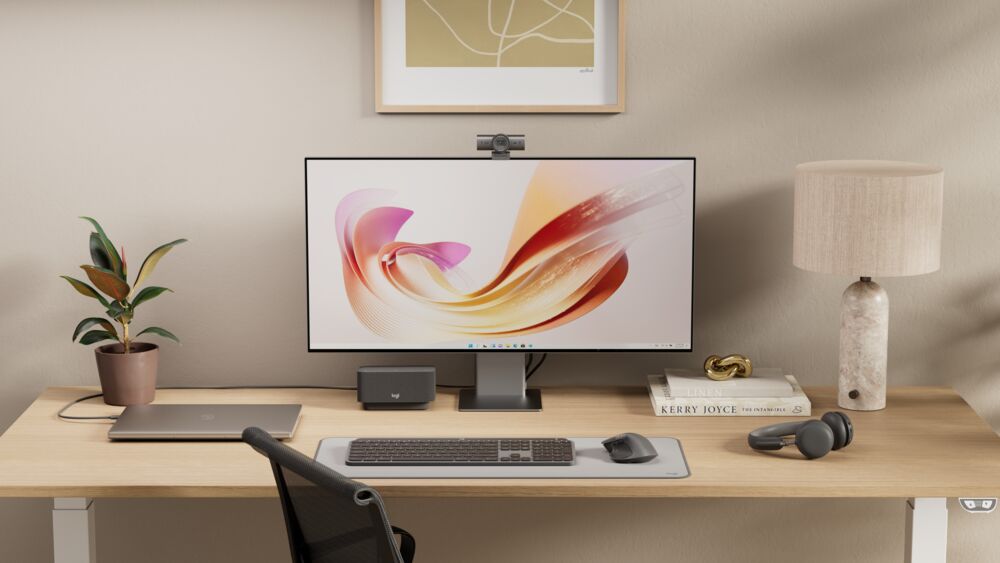
As I experiment with voice use cases, it’s pretty clear to me that voice will be a complement going forward to the mouse and keyboard. Voice dictation is not something that is going to replace a mouse’s navigation or the keys under your fingers.
Sometimes typing can be too slow. When you want to get all your messy thoughts down quickly, message on the go or write quick iterative AI prompts, that is where voice wins. If my text is not perfect it is okay because the AI will understand. Generative tools are turning our messy thoughts into clean intent.
But other times voice does not give you time to actually reflect on what you want to do. Typing does. What’s more, a keyboard and mouse help you shape your thoughts – you can move paragraph three to the top, spot a logical flaw in your second point, navigate through pages, shortcut to AI and verify facts before hitting send.
When do you switch?
So, the keyboard is here to stay, alongside voice. Actually, the bigger and more interesting question is, at what point in your workflow do you switch? Here are a couple of examples from my life:
First, this week, I was asked to make a last-minute presentation on upcoming tech trends and new opportunities for Logitech. It’s a big topic and the opportunities in tech at the moment abound – especially given the way AI is supercharging innovation. I turned to voice dictation to get everything down quickly. The AI cleaned up a lot of my stream of consciousness and corrected verbal fillers and idea dead-ends. Not bad. Especially as I did all this from the couch.
Then, I needed to put order to it all. My mouse and keyboard took my raw text into Gemini where I asked for a suggested structure for my presentation. Of course, then I had to drop it all into slides. Mouse and keyboard again.
Then I got into creative mode – Gemini helped me create some fitting images. I voiced those because I was asking for quick edits. Make it bigger, color it red.
You get the idea.
Second – and this use case is very unique to me – I have a visual impairment where my eyeballs are constantly trembling. I can manage that by squinting a little or taking a sideways look at my screen. But the bottom line is it’s a severe strain on my eyes and, under pressure, keeping the letters stable, visually, becomes exhausting.
When I need to do things fast and or am under stress, I’ll make errors and it slows me down. Voice is faster – three times faster than typing according to Stanford University. It’s also more forgiving, even if I’m not a native English speaker.
Once the time pressure is off, or I need to be precise and structure my work, I use other tools – my trusted MX mouse and keyboard. When the bottleneck is not speed but me thinking then it still makes sense for me to type. It gives me time to figure out how to structure the content and gather my thoughts.
Right, time to edit and polish this – back to my keyboard and mouse. The future is definitely multimodal. Let me know how you’re embracing it.
About Anatoliy Polyanker: Tolya is a consumer goods and tech innovation expert of more than 25 years with a fascination for advanced personal technology, the digital world and extending human potential.