
Attention photographers, videographers, and designers! We are pleased to announce the latest software update for the MX Creative Console in the Logi Marketplace. This update brings powerful new integrations and expanded functionality for Final Cut Pro and the highly requested Adobe Lightroom, as well as new plugins for DaVinci Resolve, Figma and Affinity Photo.
“We have heard from the community that the MX Creative Console not only speeds up their workflow, but has increased their productivity and made work easier. Adding these highly requested plugins will unlock the MX Creative Console’s potential for a broader range of creative professionals,” said Anatoliy Polyanker, general manager of the MX Business Unit at Logitech.
Designed with creative professionals in mind, the MX Creative Console offers a personalized workflow experience. With dynamic display keys for instant access to essential actions and a customizable dialpad for intuitive navigation, it empowers creators to work smarter and faster. Additionally, every console includes a complimentary three-month Adobe Creative Cloud All Apps membership, providing exceptional value with access to industry-leading creative tools.
Effortless Setup with Pre-Built Profiles
These new plugins include default profiles with pre-assigned actions and tools, making setup quick and seamless. Built-in shortcuts and actions enable users to easily adapt and customize their console to fit their unique workflow needs.
Adobe Lightroom – Faster, Easier Photo Editing
- Built in collaboration with Adobe, this is the first time the native plugin for cloud-based Lightroom for Desktop is offered
- Quickly rate and flag images for faster processing of your images.
- Use Crop to straighten your image easily
- Adjust brightness, white balance, clarity, and more with speed and precision
Final Cut Pro – More Intuitive and Faster Editing
- Navigate and work in the timeline with quick, easy access to your most-used actions
- Instantly access all the tools you need to edit videos efficiently
- Get precise Color Grading via Color Wheels
- Clip Transport & Manipulation: Nudge, Trim, Select Next/Previous, Delete
Figma for Desktop – Optimize Your Design Workflow
- Quickly access essential tools and actions for Figma and FigJam
- Easily manage assets, text alignments, spacing, and layout adjustments
- Adjust text size, weight, height and more with the dial
DaVinci Resolve – Powerful Video Editing Controls
- Navigate the timeline with precision
- Cut, trim, and retime clips instantly
- Add, remove, edit and navigate your nodes efficiently
In addition to our existing lineup—including Adobe Photoshop, Lightroom Classic, Premiere Pro, After Effects, Illustrator, Audition, and Capture One for Mac—we’re introducing new plugins to enhance your creative workflow. Our tools are constantly evolving as we actively develop and refine features, ensuring there is always access to cutting-edge capabilities.
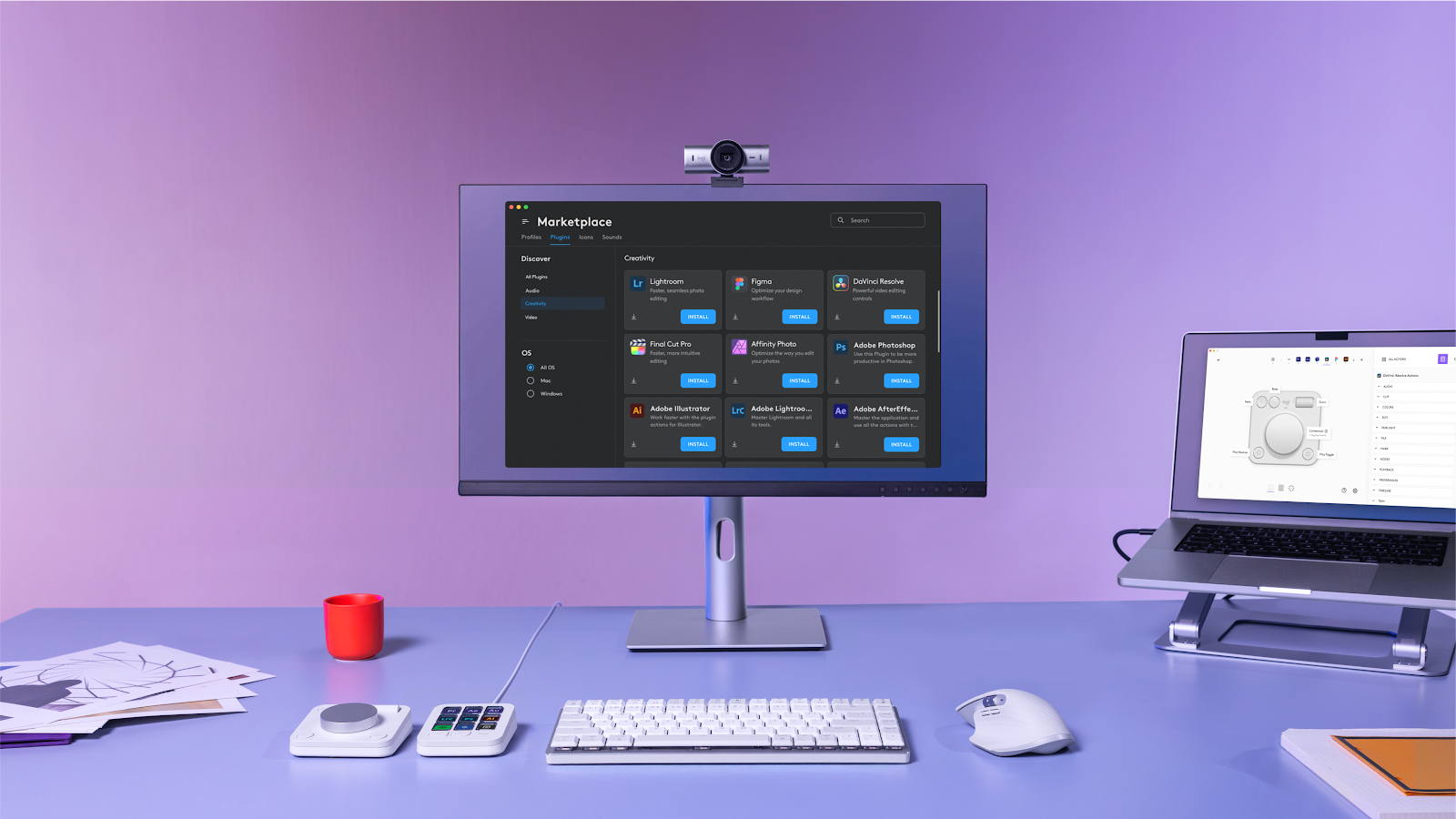
Visit the Logi Marketplace via the Logi Options+ app, which is available to download for free at logi.com/optionsplus, to explore these new features and elevate your editing experience to the next level. The MX Creative Console will be available in pale grey and graphite, the price is TBC, on www.logitech.com and at other global retailers. Learn more at http://logitech.com/mx-creative-console