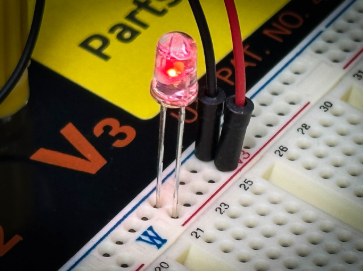
More than 20 years ago, I was a student in Professor Nicoud’s lab (LAMI) at the Swiss Institute of Technology in Lausanne, Switzerland (EPFL), which also happens to be the same lab that gave the computer mouse a more public forum at the very beginning of Logitech. There I learned to code with the attention to every instruction, because that’s what the microcontrollers demanded: C, close to the metal. And what excited me the most was the strange thrill of watching one line of code become a tiny physical event — setting up a timer, wiring an interrupt and watching an LED toggle on command. Knowing everything that sat behind that one blink made it feel like a small miracle every time.
The first lines of code I did write weren’t for an app, because apps weren’t yet a thing back in 1995. Those lines of codes ran into a tiny “computer”, called MCU (main processing unit) and those simply made a simple LED connected to my MCU blink.
Over the years, the code became more complex, C gave way to C++, but the interface never changed: a blinking cursor that was, waiting for text. There was something honest about that. You just had to type what you meant. But honesty has a cost. When Git became the backbone of how developers worked together, I now had to type the same commands over and over, also because I was never much of a fast typist.
A few years ago my role at Logitech moved from Firmware Engineering into product management, developing products to make the life of our users, including developers, easier. It was at this time we saw an opportunity for our latest innovation, the MX Keypad, to be helpful for software devs worldwide.
This product didn’t start with a spec sheet, but rather listening to our own developers. It was important that we sat with them throughout their day, watching where their workflow snagged. That led to a simple thesis: replacing long, multi-step and repetitive commands with one-touch visual macros would eliminate friction.
But last year, the ground shifted. AI evolved from a helpful tool for drafting emails to something developers build with directly. As ‘vibe coding’ took off, allowing creators to describe their intent rather than type every line, we knew that this could not be ignored.
During GitHub Universe in San Francisco almost a year ago, I really saw how real this revolution felt and how the world of AI was shifting from AI bots to real AI agents, capable of working on a task almost independently.
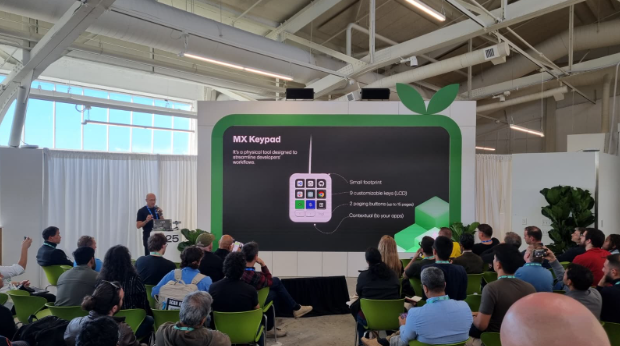

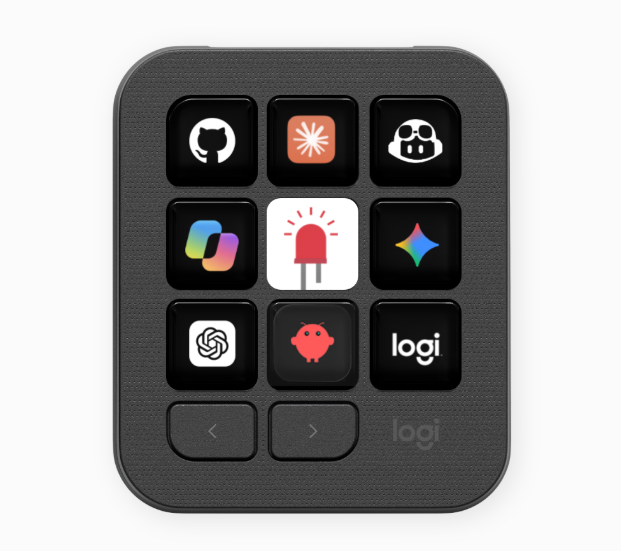
As this was top of mind for us, we began to share early plugin prototypes with developers to get their feedback. SoftServe put the device in front of their developer teams, the GitHub community tested it and told us, bluntly, what worked and what didn’t. Every one of those conversations became the reason for a feature or a plugin. With all of the input received, MX Keypad evolved into a true control center, one key press away from summoning an assistant, one glance at a screen’s color away from knowing exactly where that assistant stands.
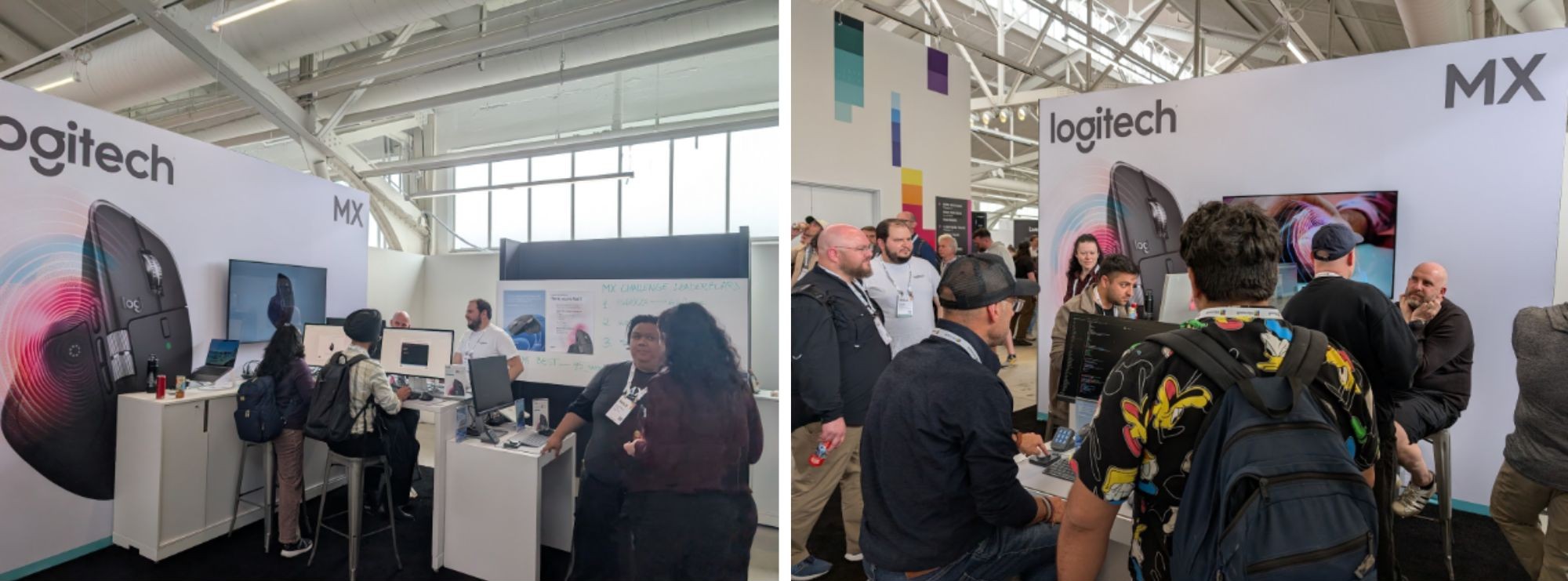
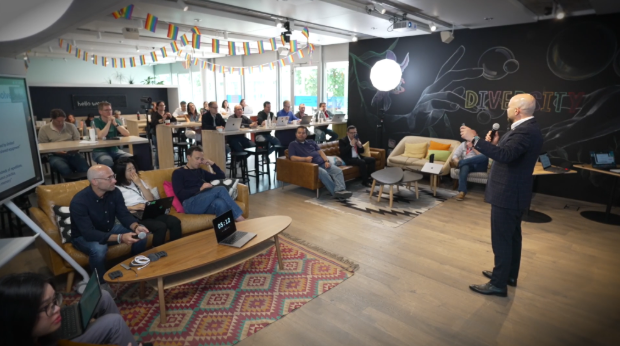
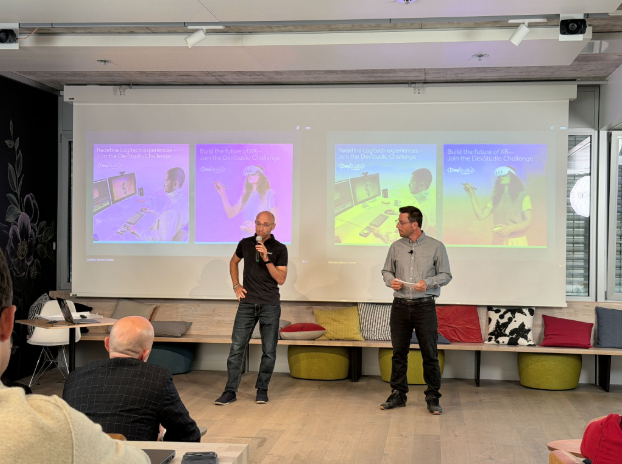
From the beginning, opening our SDKs to the world and organizing events such as a global developer challenge was part of the strategy, our bet that if we handed developers the keys, they would build things we never could have imagined alone.
This became even more prevalent when we saw the ideas of 2,500 creators across the globe that submitted nearly 250 AI-driven projects for a Logitech developer challenge in January 2026. These individuals and teams were excited to see an open door to the capabilities of MX Keypad and developed multiple plugins for use cases around AI and developers. Some of those will be published to our marketplace and available publicly.
But the work isn’t finished: In order to make the product shine to its true potential, a real AI control center, we brought multiple partners in early because some of the underlying agent APIs, the primitives that would give full visibility into an agent’s state, don’t fully exist yet across every tool. So alongside the product, there’s an ongoing effort with partners to help those standards mature, so these capabilities become something the whole ecosystem can build on, not just one keypad.This is why we built this for different types of agents, whether you rely on Copilot, Codex, Claude or others.
Beyond our growing plugin ecosystem, the real power lies in what you can build yourself: Using our open SDK and AI-assisted documentation, creating a custom integration barely requires writing code. Simply describe what you want, and watch it come to life. Build for yourself, or publish directly to our marketplace. This isn’t a fixed menu of options; it’s a tool that bends to how you actually work.
And today I am really proud because the work behind this launch was never just about building a new piece of hardware. It was about listening, really listening, to what developers needed as their workflows started changing shape.
That blinking LED all those years ago in the EPFL lab was the first time code became something I could see, something tangible. This device carries that same spark forward, just aimed at a much bigger question now, not can you make a light blink, but can you make your tools truly yours.
About the author: Mathieu Meisser is a former embedded software developer and current product manager at Logitech focused on developing new tools for developers and building meaningful partnerships.