By Parekhit Bhattacharjee
You had every intention of taking a proper lunch break. Sunlight, fresh air, maybe even a walk. Then a deadline appeared, and now you’re eating a burrito over your spacebar while scrolling through emails.
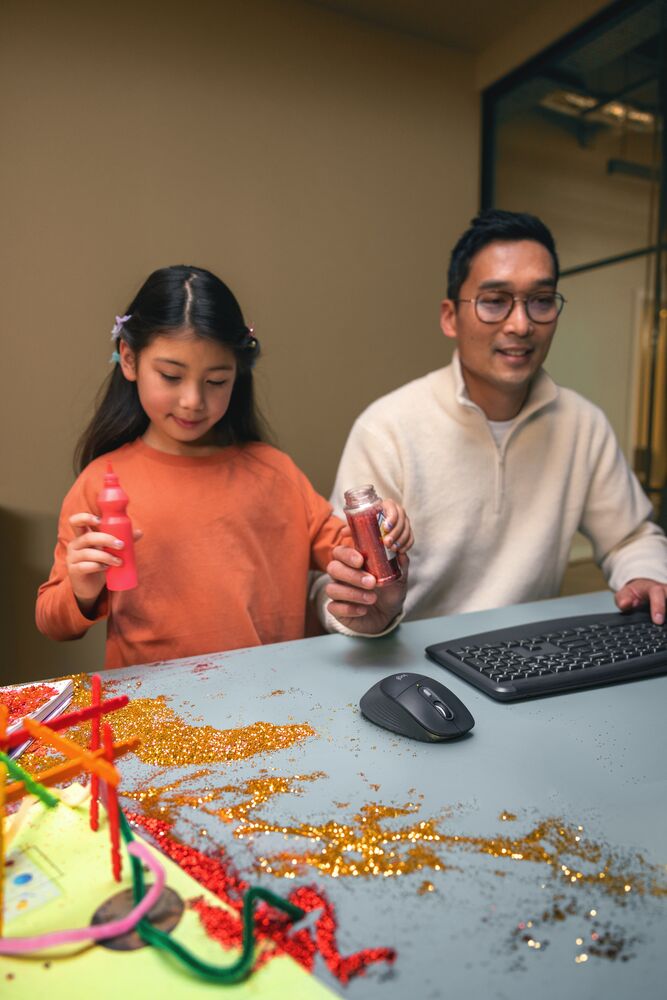
According to a Logitech 2026 survey on Work-Life realities, which canvassed over 650 office workers across four countries, more than half of respondents had prepped a meal while simultaneously preparing for a meeting. So you’re not alone. But you are doing slow, invisible damage to your keyboard every time you do it.
The problem isn’t the eating. It’s the aftermath. One crumb finds its way under the spacebar. A drop of oily salad dressing settles between G and H. A coffee splash that seemed minor becomes a sticky, sluggish mess three days later. Keys start missing strokes. Things feel slightly off in a way that’s hard to diagnose. Eventually your keyboard is performing like the floor of a cinema looks.
Two things to fix. Here are my tips to prevent the damage, and what to do once it has already happened.
Part 1: Lunch-Proofing Your Desk
Create actual eating space. Most people wedge their plate wherever it fits and hope for the best. Whether you’re on a laptop or a full desk setup, just push everything back a few inches. You’d be surprised how much room appears when your keyboard isn’t six inches from the edge.
Swap your mousepad for a desk mat. Cloth mouse pads absorb everything: spills, grease, whatever that is. A water-resistant mat wipes clean with a napkin. If you eat at your desk regularly, this is the most low-effort, high-impact change you can make.
Part 2: The Deep Clean
Don’t reach for the kitchen sponge. Here’s what to do instead.
Step 1—Kill the power first. Unplug if your keyboard is wired. If it’s wireless, switch it off and pull the batteries. This protects the internal circuits from any moisture you’re about to introduce. Non-negotiable.
Step 2—The upside-down shake. Hold the keyboard over a bin, flip it upside down, and give it a gentle shake. Follow with a few soft taps on the back, just enough to loosen debris, not enough to cause damage. You will be surprised, and possibly horrified, by what comes out.
Step 3—Compressed air. Use a can of compressed air to clear stubborn dust and particles from around the switches. Keep the can upright – tilt it and you risk spraying freezing liquid instead of air. If you don’t have a can, a manual air blower bulb works as a gentler alternative and won’t scatter debris back onto your desk.
Step 4—Wipe it down. Lightly dampen a soft microfiber cloth with water, or use a fragrance-free disinfecting wipe, and clean the keycaps gently. Never spray liquid directly onto the keyboard as moisture travels unpredictably and finds gaps it shouldn’t. For Logitech-specific cleaning guidance and to make sure you’re not affecting your warranty, check our full keyboard cleaning guide here before reaching for any liquid cleaner.
If You Have a Mechanical Keyboard
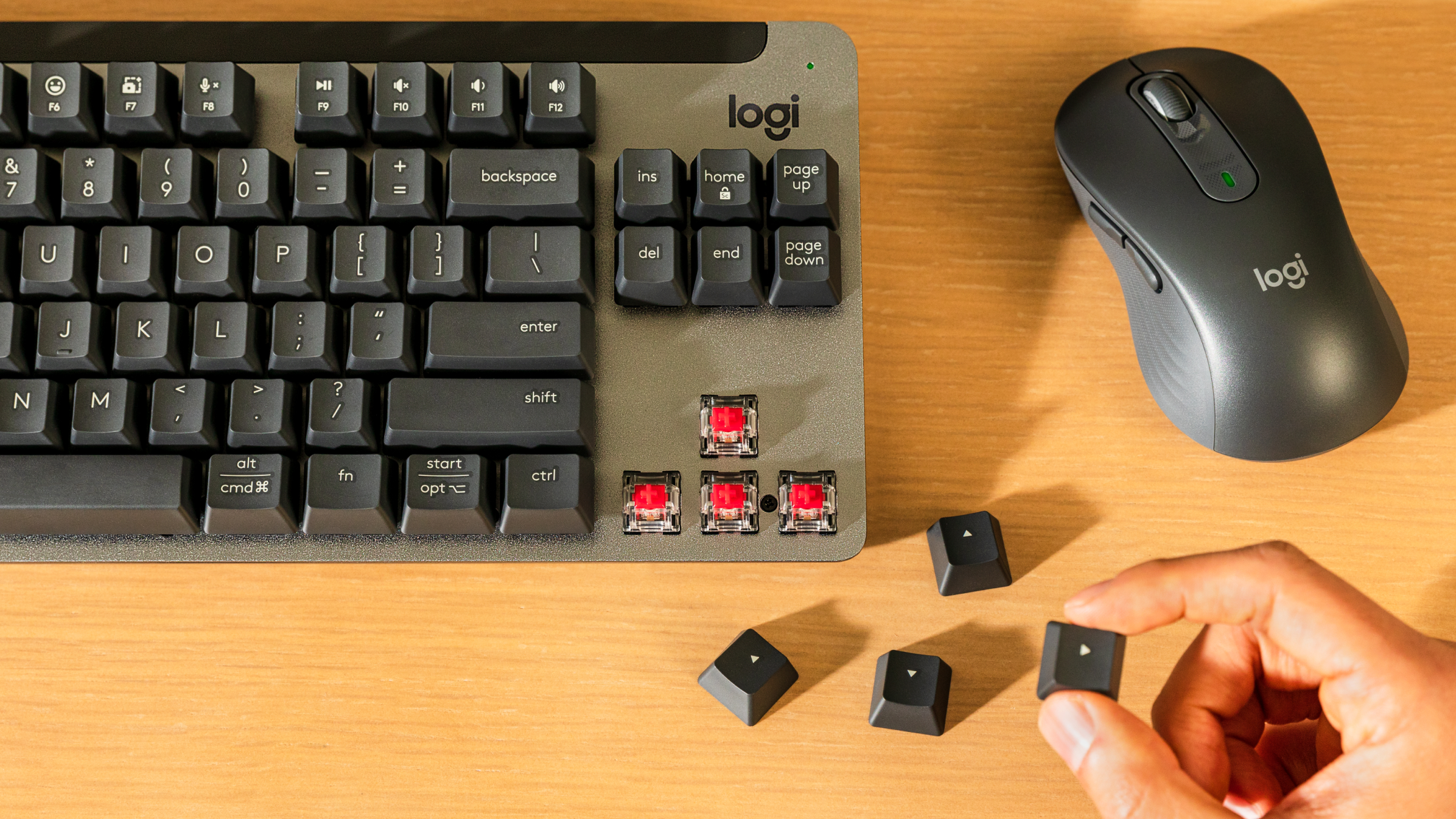
Good news: mechanical keyboards like the Alto Keys K98M or the MX Mechanical Keyboard are designed for deeper cleaning. The keycaps can be removed for a more thorough clean underneath, but always use a proper keycap puller tool and pull straight up to avoid damaging the switch stems or stabilizers. Pulling at an angle risks snapping components that aren’t cheap to fix.
Once the keycaps are off, use compressed air or the cool setting on a hairdryer to clear out any remaining debris. A soft brush works well too – a makeup brush, paintbrush, or soft-bristled toothbrush gets into the gaps without scratching anything.
When it comes to cleaning the board itself, avoid harsh chemicals. Bleach, acetone, and anything solvent-based will eat through the plastic and strip the lettering off your keys. Warm water and mild soap is all you need. For Logitech-specific advice and to make sure you’re not affecting your warranty, check our full keyboard cleaning guide here before applying anything.
Your keyboard has earned a clean. And now that it’s sorted, you can go back to eating over it guilt-free. Bon appétit