By Gabriel Costa, Head of Marketing for Mobile & Audio Solutions
There’s a version of this summer where you’re not chained to a desk. Where ‘the office’ is a blanket in Hyde Park, a café table in Barcelona or a beachside warung in Bali. The work is the same. The location doesn’t have to be.
What stops most people isn’t the job. It’s the gear. Laptop bags that wreck your shoulders. Mice that need a flat, clean surface that doesn’t exist in the wild. Keyboards that take up half the table. The hardware hasn’t caught up with the lifestyle or, at least, most of it hasn’t.
Here’s a few tips on how to build a setup that genuinely fits in a tote bag, without compromising on the stuff that actually matters.
Step 1: Start with the bag, not the gear
Most people pack first and regret it at the airport. Start by picking a tote or daypack with a slim internal sleeve, something designed for a tablet or 13-inch laptop. That sleeve becomes the structural spine of your whole setup. Everything else has to earn its place around it. If it doesn’t fit flat, it doesn’t come.
Step 2: Sort the keyboard situation
This is where most mobile setups fall apart. A full-size keyboard with unprotected keys is a non-starter. But typing on a laptop keyboard for eight hours straight on a café table that wobbles isn’t a solution either.
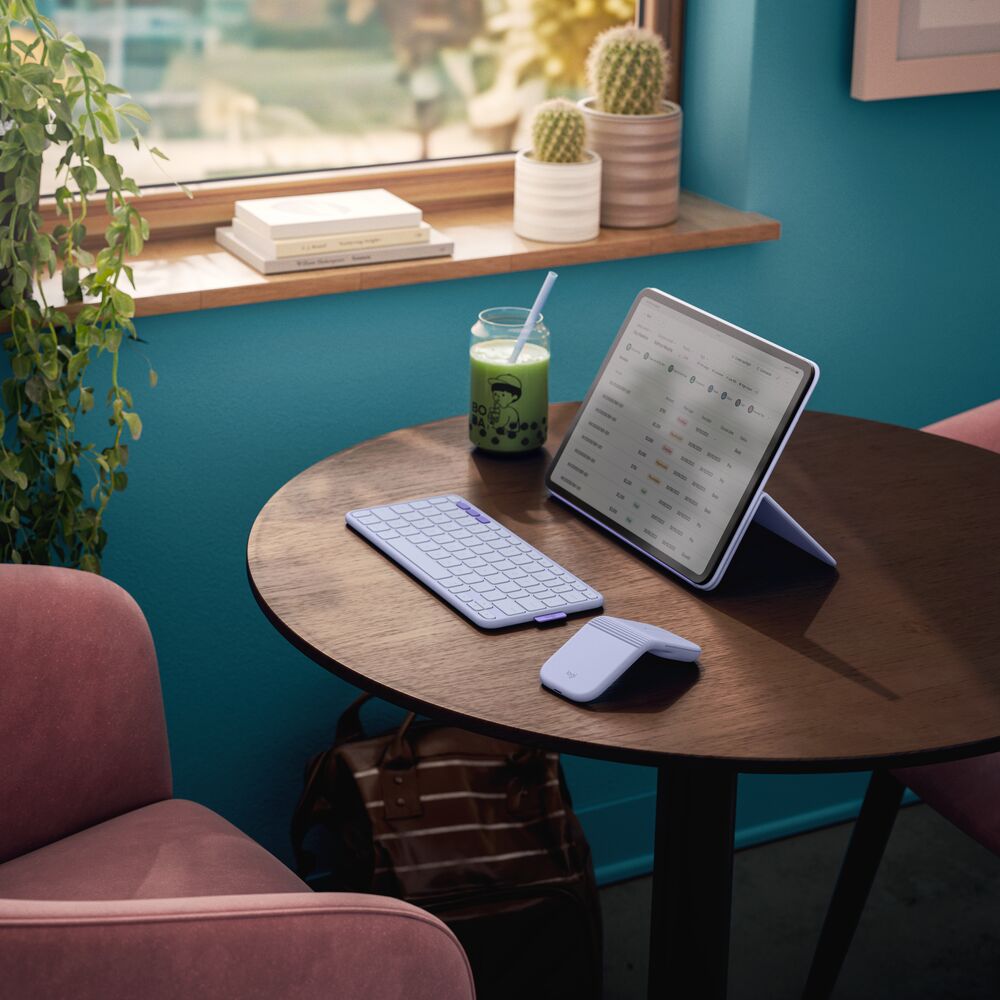
Mobile keyboards like the Logitech Keys-To-Go 2 are worth knowing about here. Many are genuinely thin, about the width of a pencil, and slip into a tablet sleeve without adding meaningful bulk. Multi-device Bluetooth means you can hop between your laptop, iPad and phone without re-pairing every time. Battery life is measured in months, not days, which matters when you’re not near a desk drawer full of charging cables.
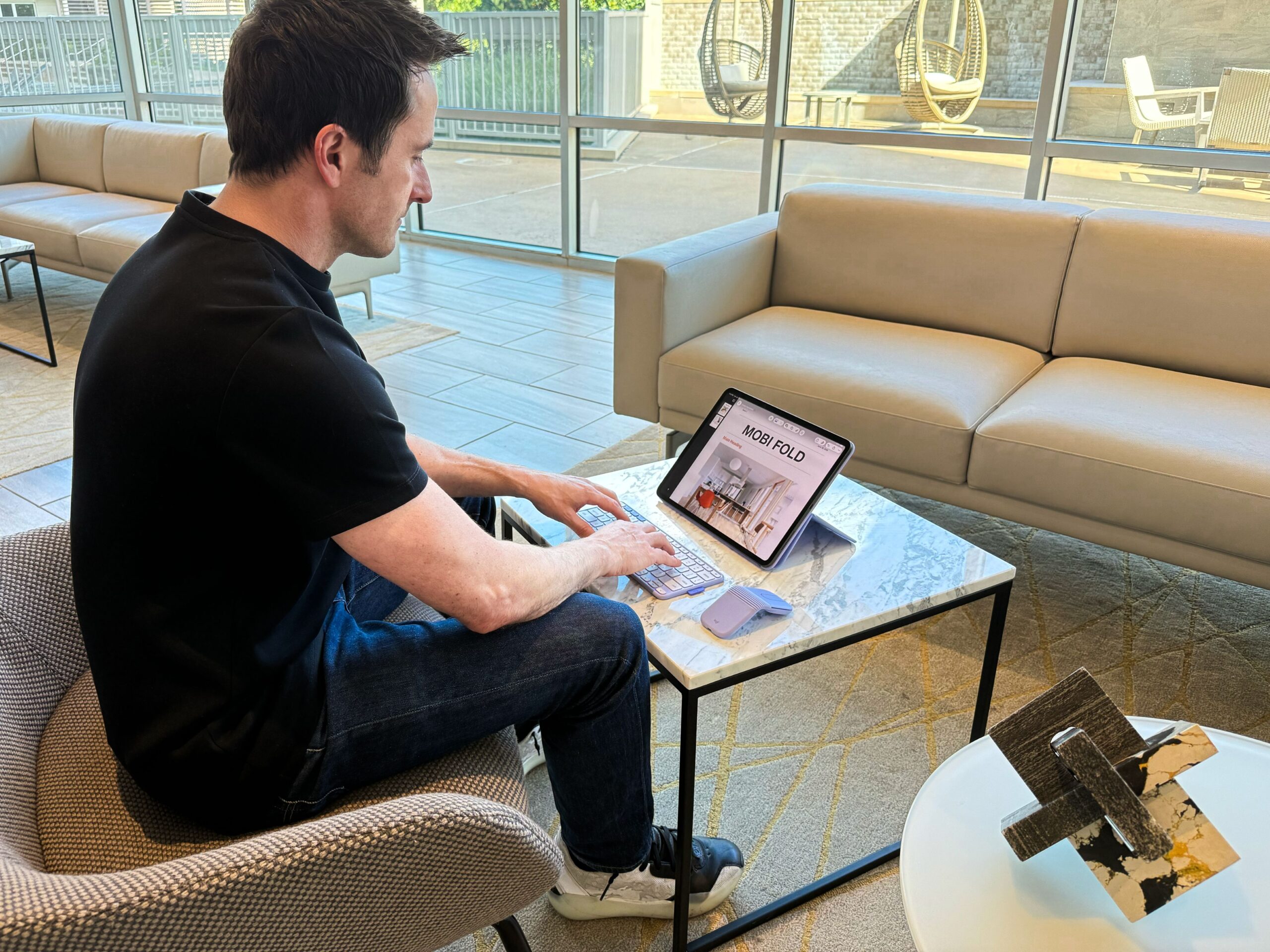
If you’re working primarily from an iPad, using the Logitech Combo Touch is a different proposition entirely. It is a keyboard case that turns your iPad into something that functions like a laptop, with a trackpad included, and folds away when you’re done. Or for a seamless blend of work and play, you may want to try the Flip Folio, a keyboard case featuring a detachable keyboard for iPad Pro and iPad Air. Whether you’re binge-watching, scrolling through social media or checking emails, Flip Folio keeps you connected wherever life takes you.
Step 3: The mouse question
Plenty of people try to go mouse free when they’re working on the move. It’s one less thing to carry, and a trackpad feels like it should be enough. For a couple of emails, maybe it is. For a full working day with spreadsheets, editing and anything that needs precision, you’ll feel the difference by lunchtime.
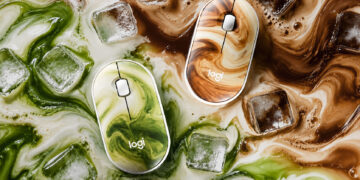
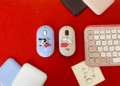
The new Mobi Fold ultra portable mouse folds to the size of a post-it note and slips into your pocket or travel bag and was designed for working on-the-go. For something truly minimalist, a compact option like the Logitech Pebble Mouse 2 M350S fits right in the palm of your hand and is light enough to forget it’s even in your bag. Both options also feature quiet clicks, which matters immensely when you’re working in a hushed café at 9 AM. If your work demands more precision, something like the MX Anywhere 3S is built for the wild; it tracks seamlessly on virtually any surface, including glass, so that polished marble café table won’t bring your workday to a halt.
All of these mice connect via Bluetooth or the USB receiver and last months on a single charge. Pick based on how much precision and portability you actually need.
Step 4: Fix the surface problem
Here’s the thing nobody tells you about working outdoors: public surfaces are rarely inviting. Even if your mouse can handle the tracking, a rustic wooden picnic bench offers a bumpy ride, a beach bar counter is prone to condensation rings and a metal park table gets boiling hot by noon.
A rollable fabric desk mat solves this completely. It weighs almost nothing, rolls up to roughly the size of a water bottle, and turns whatever surface you land on into a clean, consistent tracking zone. Splinters, grain, bumps; none of it matters anymore. It’s the least glamorous item in the bag and possibly the most useful one.
Step 5: The stuff people forget
A few things that don’t take up much space but make a real difference: A multi-port wall charger. Most café tables have one power outlet and it’s never near you. A multi-port charger with USB-A & USB-C ports buys you options.
A book under the back edge to elevate your screen. Neck angle matters when you’re working for hours. Your future self will thank you. Headphones, obviously. But a small pouch to keep cables and adapters from becoming a tangled mess at the bottom of the bag, super easy and very underrated.
The full kit, at a glance
The goal is a setup that is lightweight and clears security without drama. Laptop, Keys-To-Go 2 or Combo Touch or Flip Folio if you’re iPad-first, Mobi Fold, Pebble Mouse 2 M350S or MX Anywhere 3S depending on your needs, rollable desk mat, multi-port charger, notebook, sleeve pouch. That’s it. You don’t need less ambition this summer. Hyde Park, Barcelona, Bali: the office is wherever you open the bag.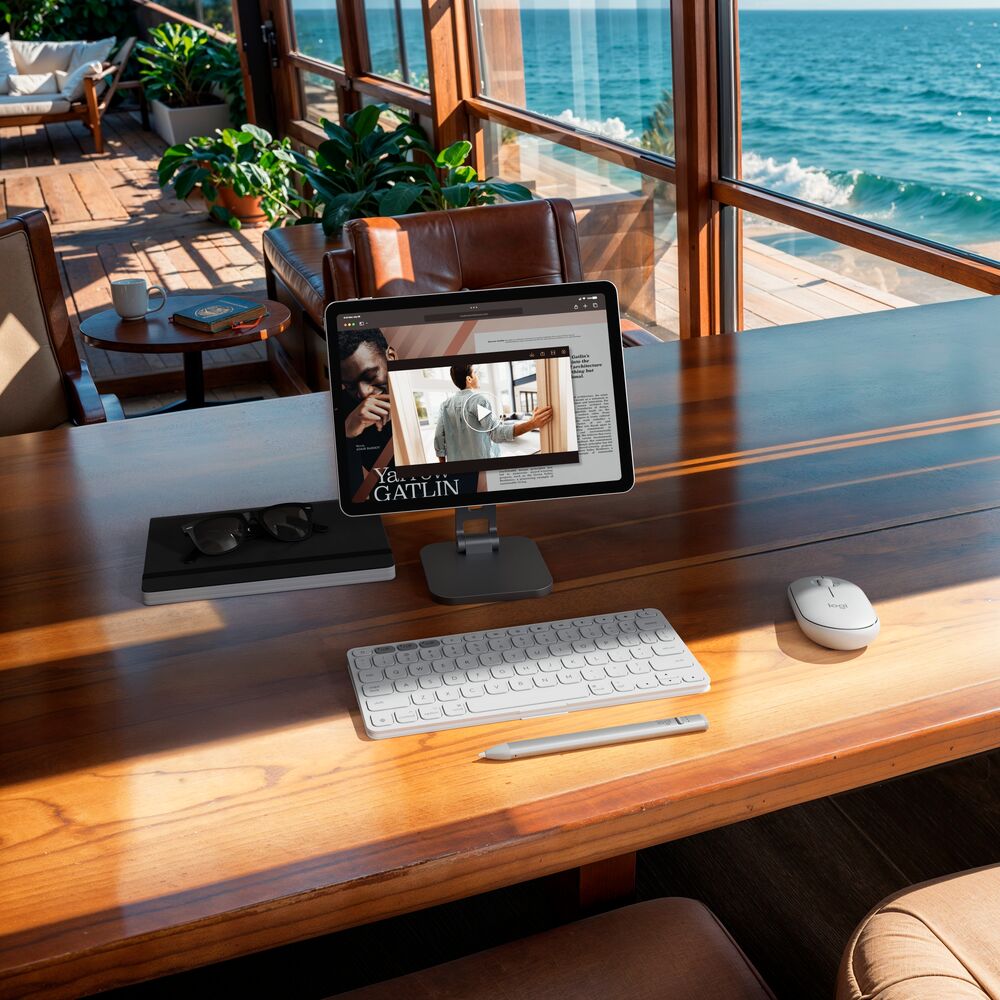
Gabriel Costa is head of marketing for Logitech’s Mobile & Audio Solutions business and can be found working at a cafe with his cappuccino, laptop, Mobi Fold and Keys-to-Go 2 quite often.