Advanced Work-From-Home Ergonomics

Advanced Work-From-Home Ergonomics

by Olivier Girard, Ergonomist and Posture Therapist, Member of Logitech Ergo Lab Scientific Advisory Board

by Olivier Girard, Ergonomist and Posture Therapist, Member of Logitech Ergo Lab Scientific Advisory Board

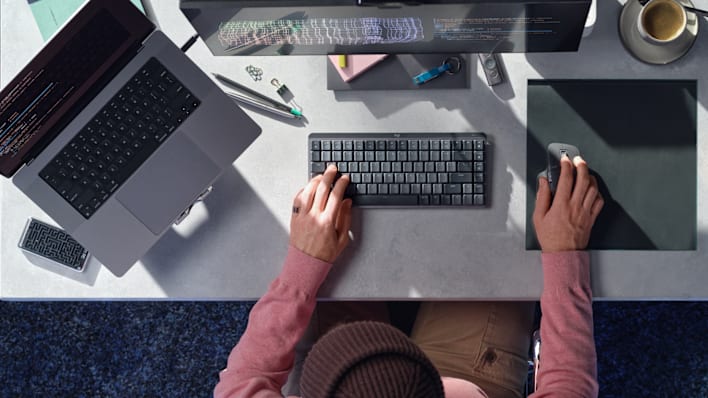
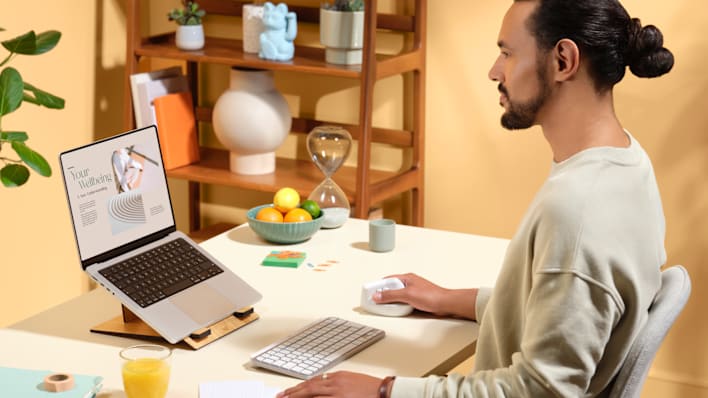
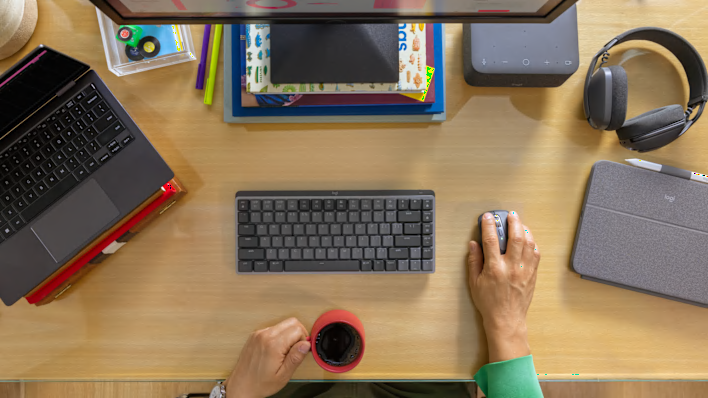
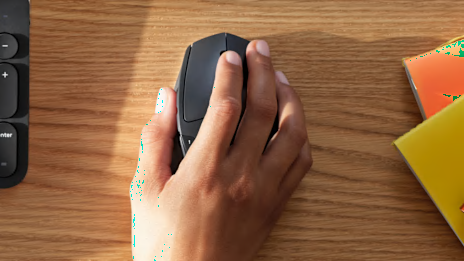
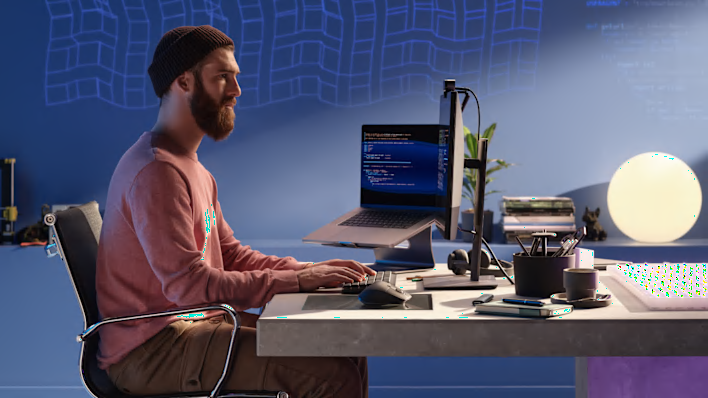
Recreate a proper work environment as much as you can – with an external screen, and an external mouse and keyboard. Working for long periods of time in an awkward position and with the wrong equipment can lead to fatigue, discomfort and even pain.

personal workspace setup
Correct your posture

Setup Step #1

Get your posture right
Your overall posture is the most important aspect of good ergonomics. When you sit, your pelvis must be stabilized to protect your spine, lower back, and neck. Do your best not to slouch: sit with your pelvis back all the way back in your chair and let your shoulder blades be slightly off from the backrest. Your neck, shoulders, and arm muscles should do as little as possible – so make sure you aren’t reaching for things or twisting your neck to look at something throughout the day.
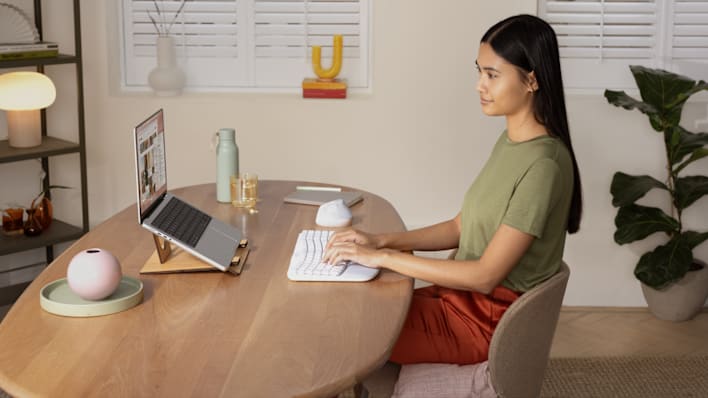
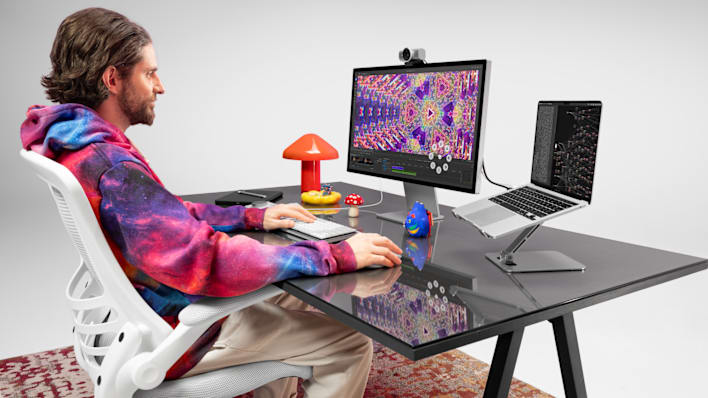
stabilize your pelvis

Setup Step #2

No ergo chair? No problem
To stabilize your pelvis, your feet should rest firmly on the floor so that you can sit on your sitting bones, with your belt on a lumbar support. If you do not have a good office chair, you can buy a lumbar cushion.