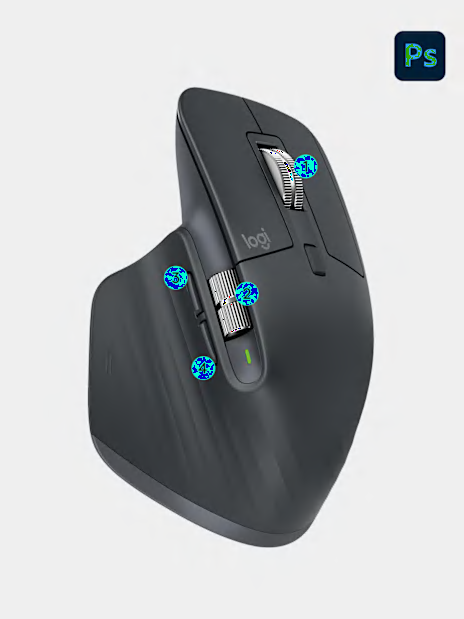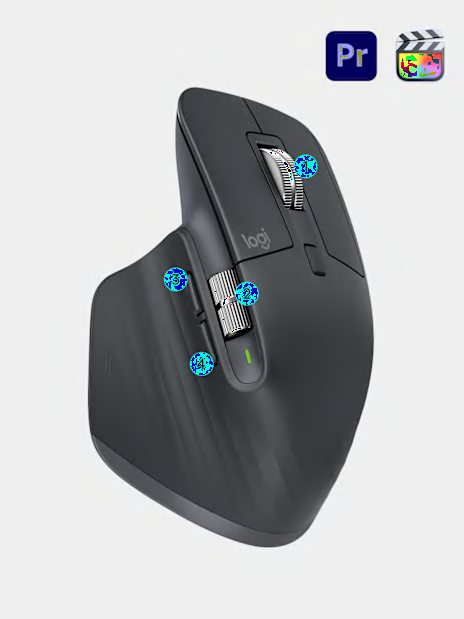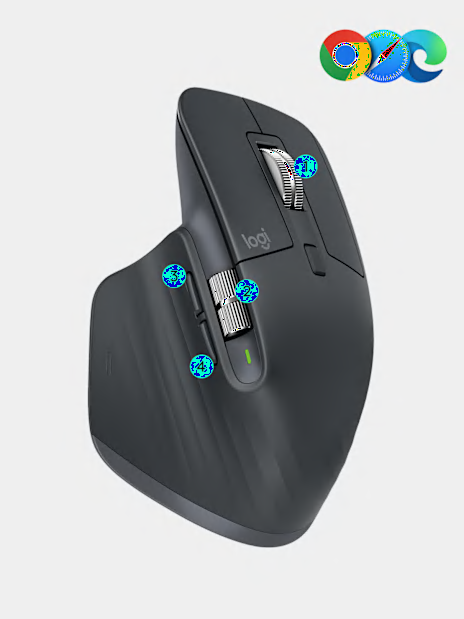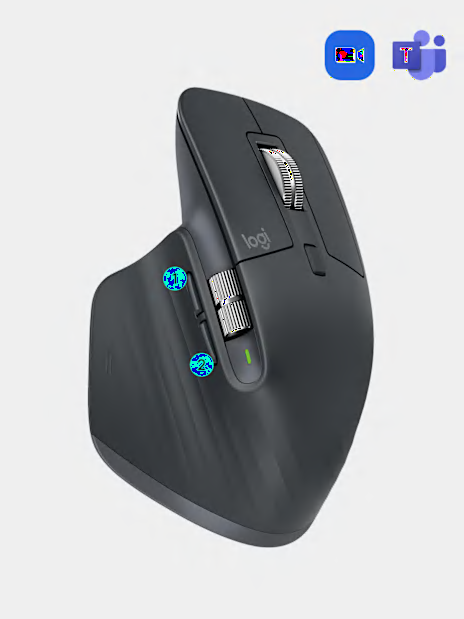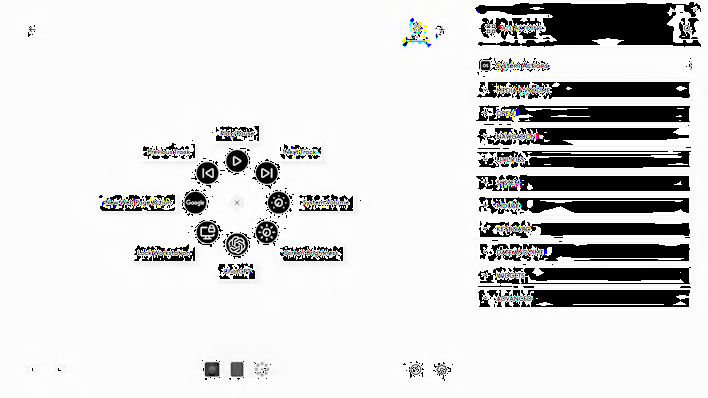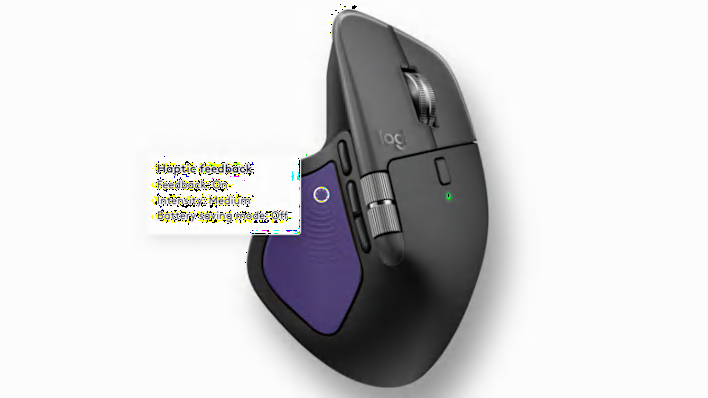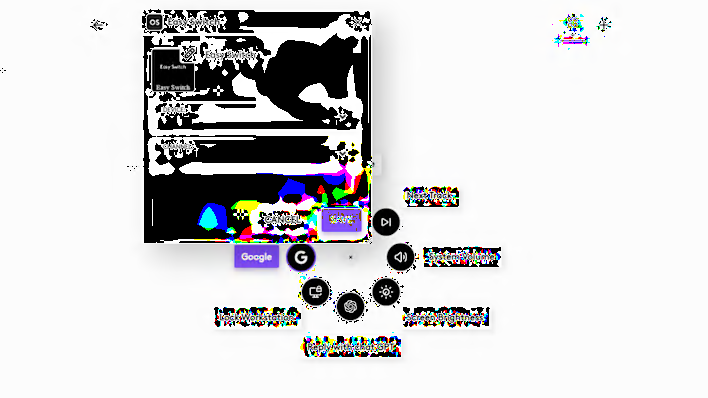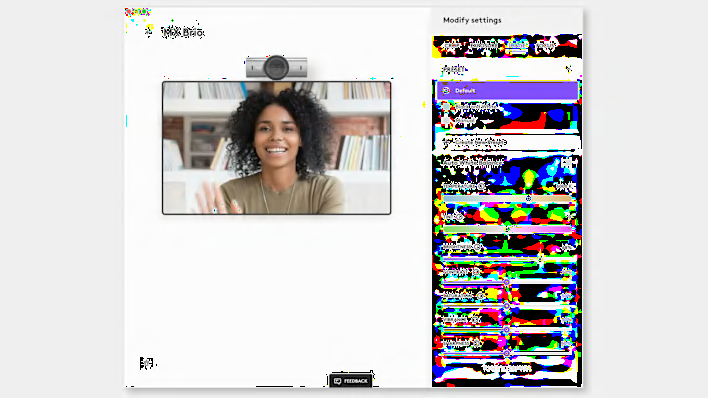



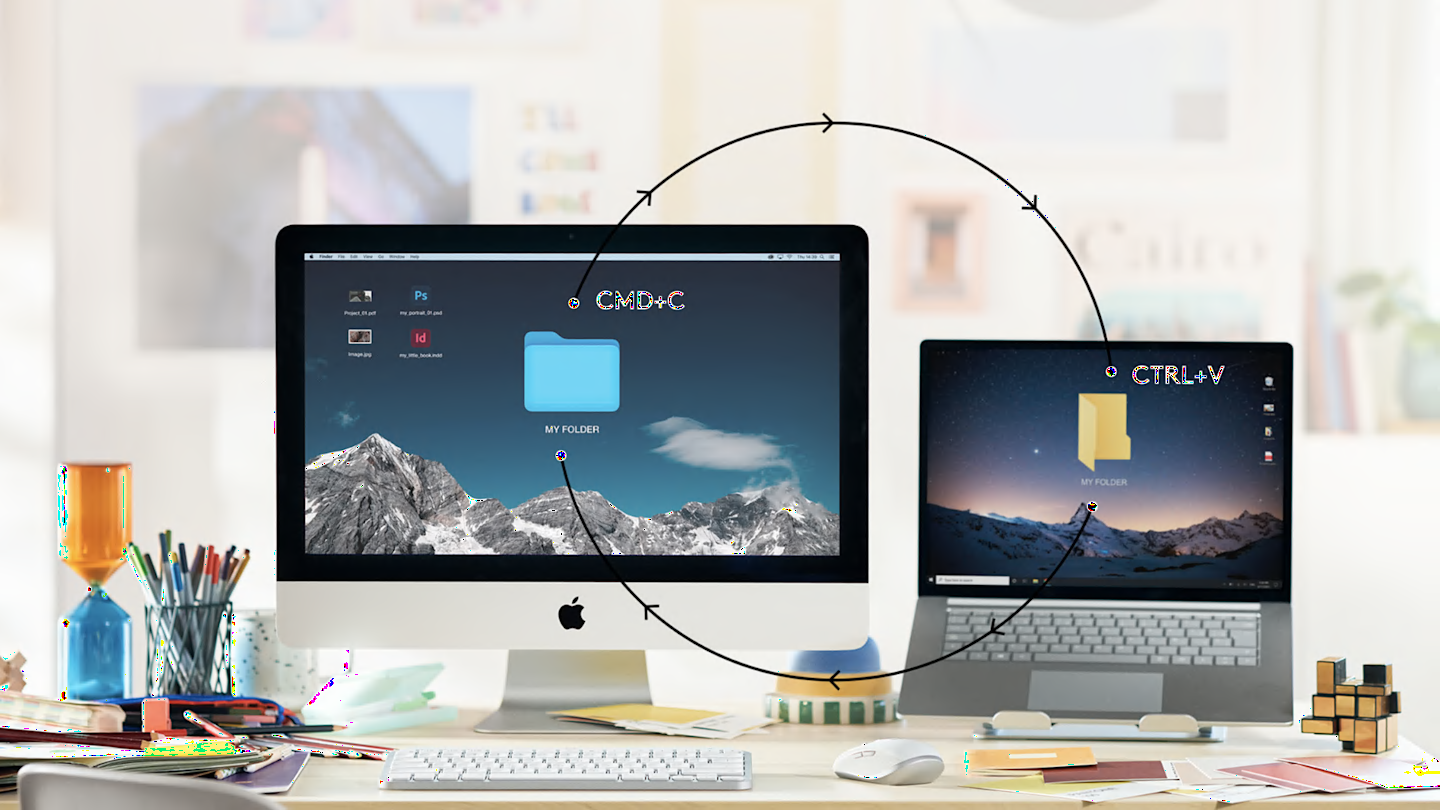
MX tools are fully customizable in virtually every app you use. Work faster with ready-made customizations optimized or create your own customizations for your favorite apps such as Adobe Photoshop®, Adobe Premiere Pro, Final Cut Pro, Google Chrome™, Safari, Zoom®, Microsoft Teams®, Word®, Excel®, PowerPoint®, and Edge.
Default
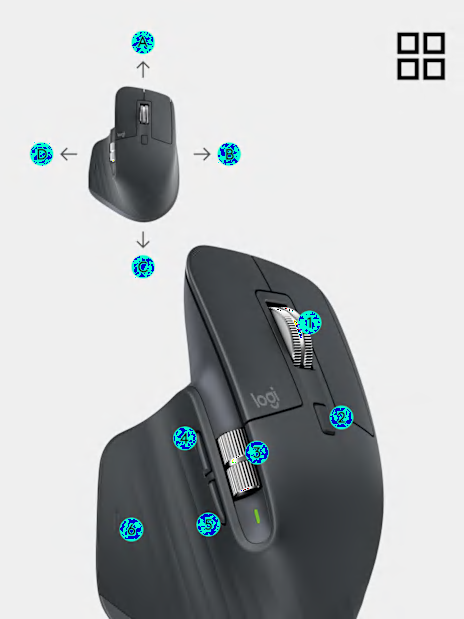
A – Gesture Up: Mission Control
B – Gesture Right: Switch application
C – Gesture Down: App Expose
D – Gesture Left: Switch application
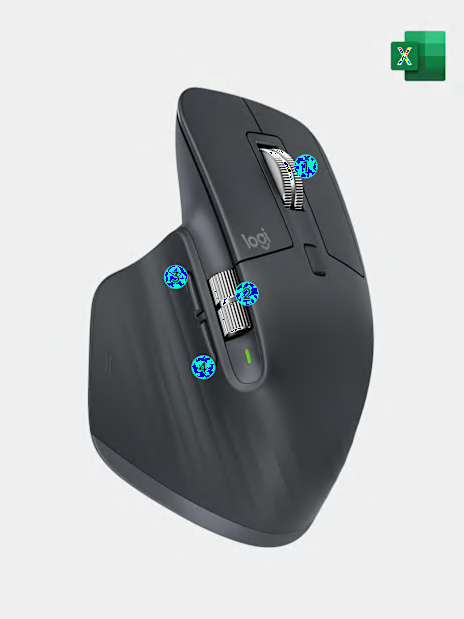
1 – MagSpeed Wheel: Middle Button
2 – Mode Shift Button: Shift wheel mode
3 – Thumbwheel: Horizontal scroll
4 – Side button forward: Move forward
5 – Side button back: Move back
6 – Gesture button click: Launchpad