Logi Options+ for Googlebook

Logi Options+ for Googlebook

Pair your Googlebook with Logi Options+


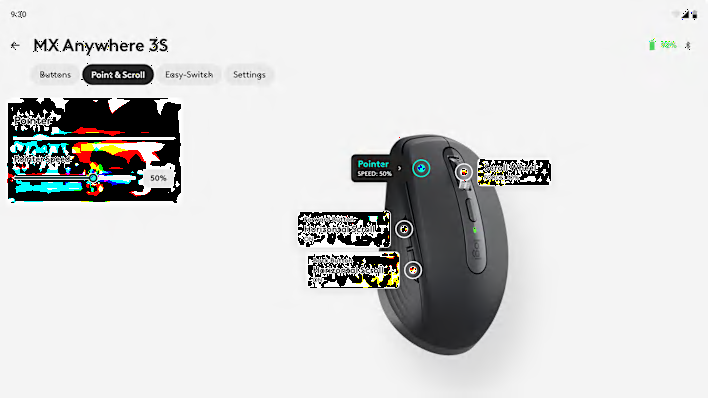
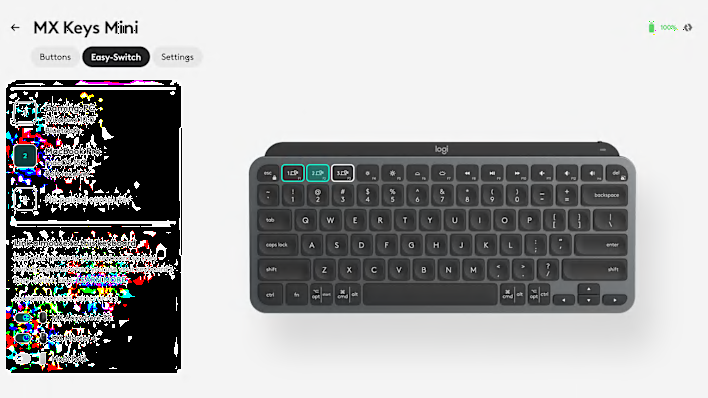
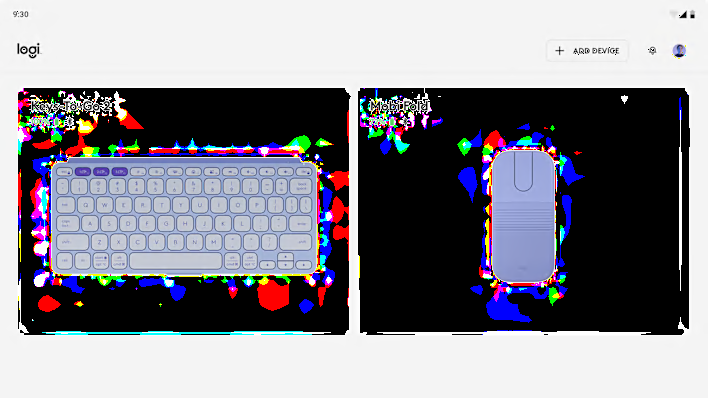
Pair your supported Logitech device with Googlebook using the Logi Options+ App*. Get the best of Gemini with features like Magic Pointer**, Circle to search, personalize mouse buttons or keyboard keys, optimize pointing and scrolling experience with Options+, designed specially for your Googlebook.
 

*Limited features available at launch. Check device and feature compatibility here
**Available in select languages and to 18+ users.

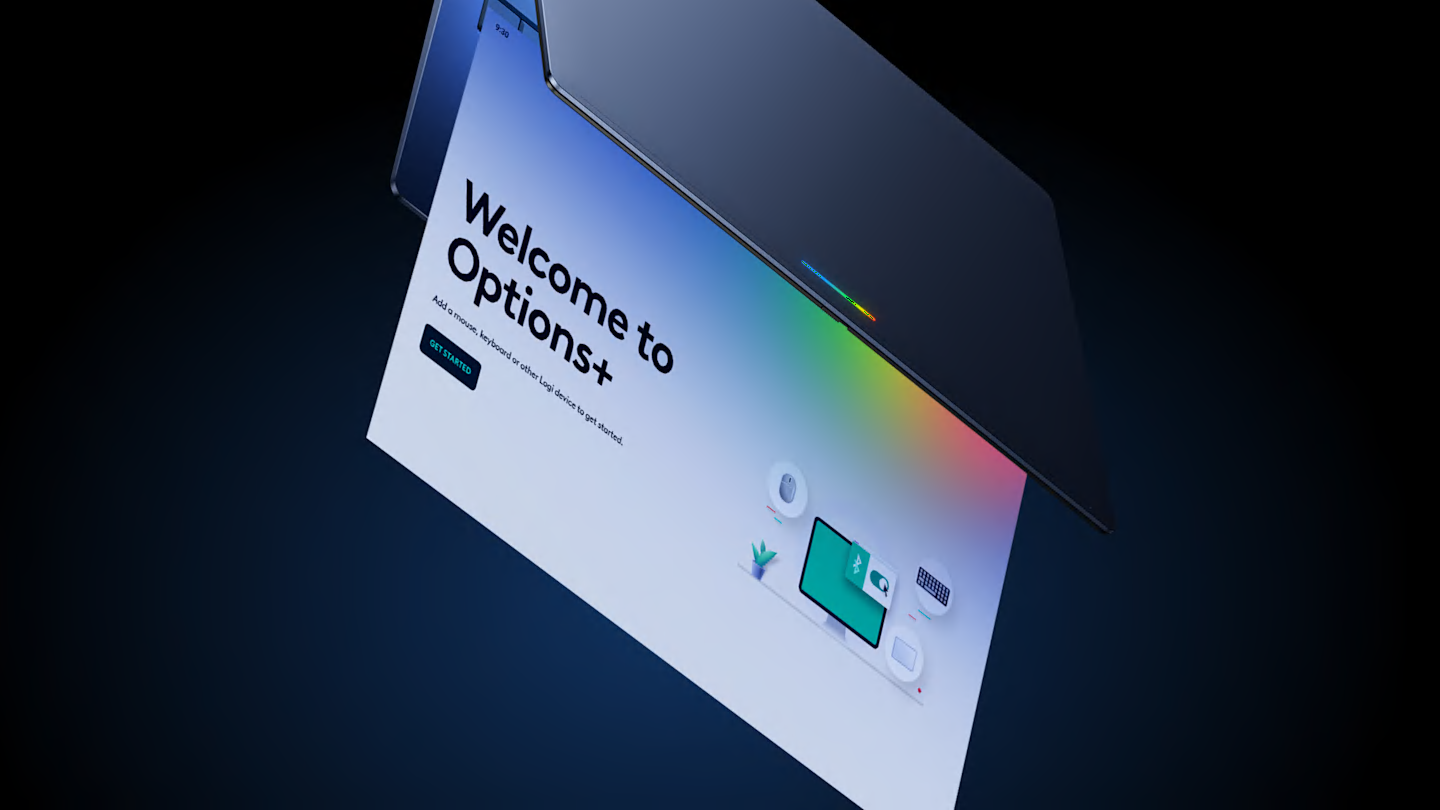
Options+ app welcome screen
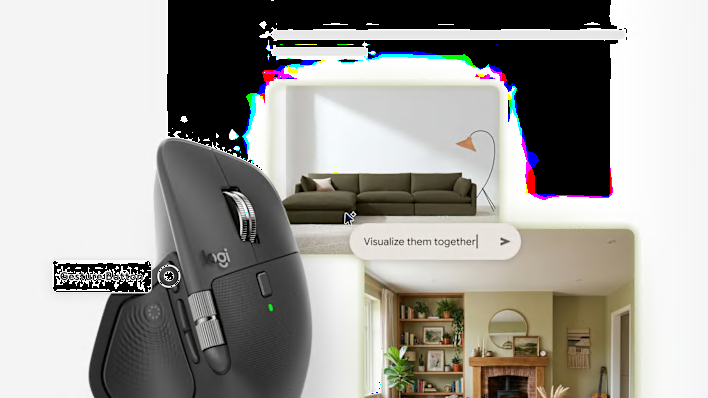
Magic pointer using MX Master 4

Magic Pointer

Get personal, proactive help from Gemini that keeps you a step ahead. With Magic Pointer, assign it any supported mouse button or keyboard key. Simply point at and select objects on your screen to ask, compare, or create with Gemini effortlessly.

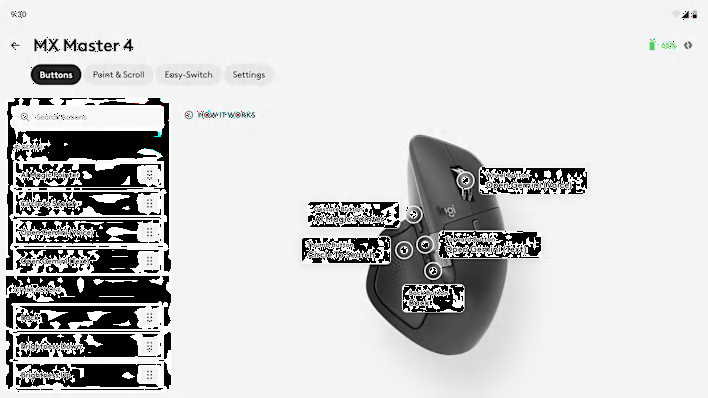
Circle to search using Mobi Fold

Circle to search

Assign Circle to search to any supported mouse button or keyboard key. Instantly search anything you see on your Googlebook. Just circle an image or text, even in a video and get answers without switching apps.

Recommended for Googlebook