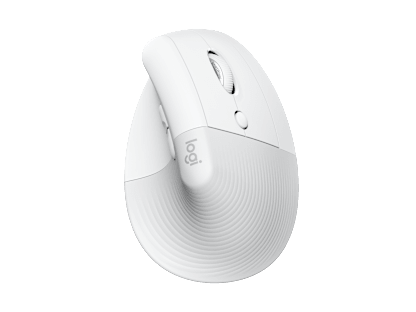
Up to 40% off this Ergo Month

58% of office workers reported pain or discomfort by the end of their workday—most often in the neck and back.
Statements are based on surveys of office workers executed by Logitech across 11 countries.
*Source: Quantitative research commissioned by Logitech (2024-2025) involving 5,583 surveyed office workers in 11 global markets (US, CA, CN, TW, UK, DE, FR, MX, BR, AR, CO). Data reflects self-reported experiences of participants over a multi-week period.*
58% of office workers reported pain or discomfort by the end of their workday—most often in the neck and back.

72% identified poor posture as the leading cause of their discomfort.

80% wished they knew how to set up their workspace for greater comfort and better ergonomics.
The good news? A few simple habits can help you feel more comfortable, focused, and supported throughout the day. Explore expert-informed tips for moving more, reducing eye strain, and caring for your body at work.

We spend an average of 82,000 hours working during our lives—and our bodies are meant to move, not sit all day. Here’s how to support your physical health at work:
Take regular breaks:
Move for 5–10 minutes every hour to reduce stress and fatigue, and boost focus and creativity. Step away from screens and think about something other than work.
Care for your eyes:
Every 20 minutes, look at something 20 feet away for 20 seconds to reduce eye fatigue.
Stretch often:
Relax your neck and stretch your back throughout the day.

With busy schedules and constant demands, making time to relax and reset is essential. Try these tips:
Schedule self-care:
Prioritize activities you enjoy, like a midday walk or your favorite show, alongside meetings and deadlines.
Connect with coworkers:
Arrange (virtual) coffee chats, attend company events, or join employee groups to build connections outside of work emails and messages.
Take time off seriously:
When it’s vacation or weekend, turn off notifications, step away from your computer, and fully disengage for proper rest.

Small setup changes make a big difference:
Support your lower back:
Use an ergonomic chair or add cushions to maintain a healthy sitting position.
Raise your laptop:
Position the top of your screen at eye level with a laptop stand, external monitor, or even a stack of books, to relieve neck strain.
Choose ergonomic tools:
If you spend more than six hours a day on the computer, an ergonomic mouse and keyboard help you maintain a natural posture and reduce muscle strain.
"I really like the sculpted-ness of it. It feels much more comfortable for my hands to rest on."
Clara, Engineer & Artist*
*Quote extracted from a testimonial video produced by Logitech, for which participant has been remunerated.
"As a writer your keyboard is your pen. It's so important to have the right setup. Wave Keys makes typing feel more natural."
Niall, Writer & Editor*
*Quote extracted from a testimonial video produced by Logitech, for which participant has been remunerated.
Developed and tested with the Logi Ergo Lab, and with the stamp of approval from United States Ergonomics, you can be rest assured our products mean business when it comes to your wellbeing in the workspace.
Get comfier with our range of ergonomic mice and keyboards, designed to help workdays go easier on you.
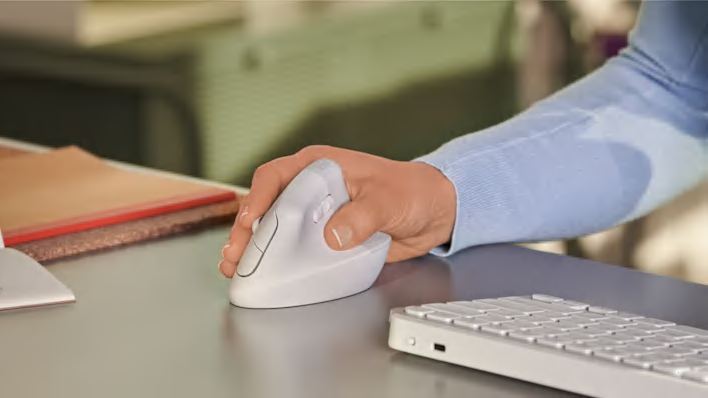
Raise your hand into comfort
By placing your hand in a natural handshake position, our vertical mice relieve pressure on your wrist and keep your hand and forearm relaxed throughout the day. Discover the one for you - with options available for both right and left hands.
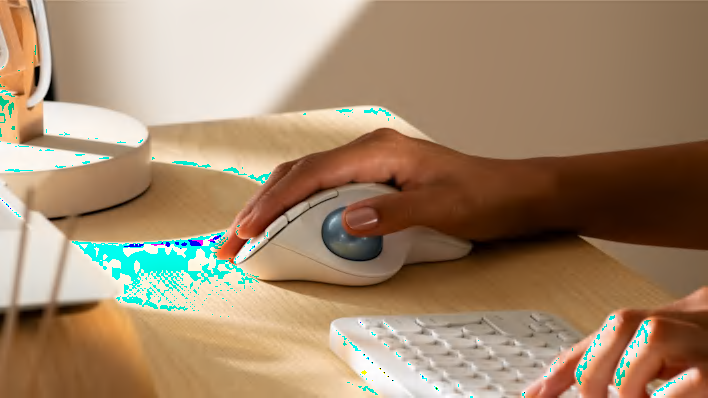
Thumbs up for thumb control
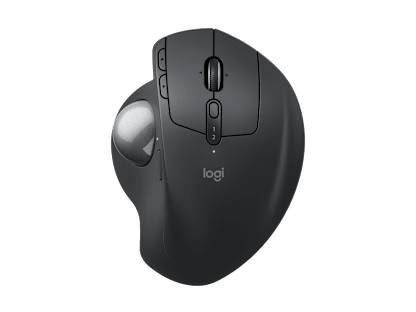
Less movement, more comfort. With no need to move your arm around to move the cursor, your hand and arm can stay relaxed no matter the task ahead. Ideal for smaller desks.
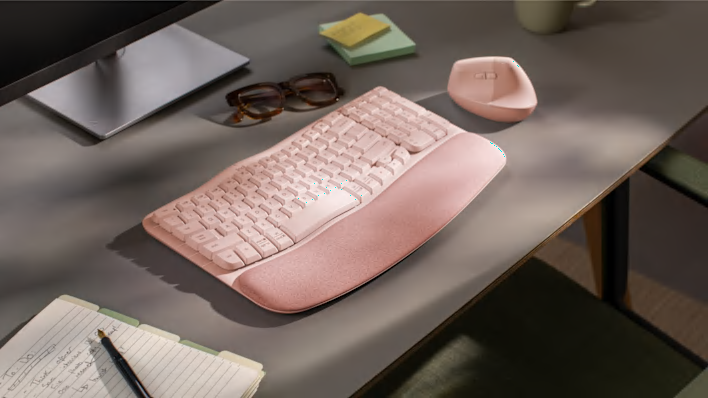
Feel-good typing all day long
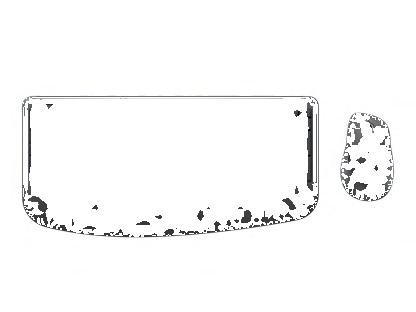
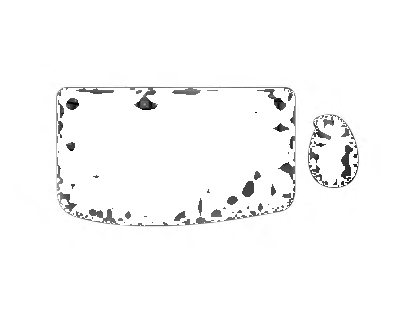
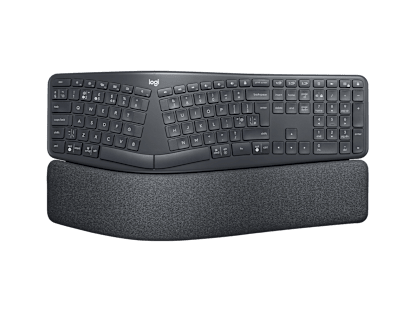
Our ergonomic keyboards with cushioned palm rests are designed to help days of typing feel great. More wrist support, natural upper body posture, big difference.
Feel better, do better with a combination of Ergo products designed to boost your wellbeing and productivity. Find a match for your needs and your workspace.