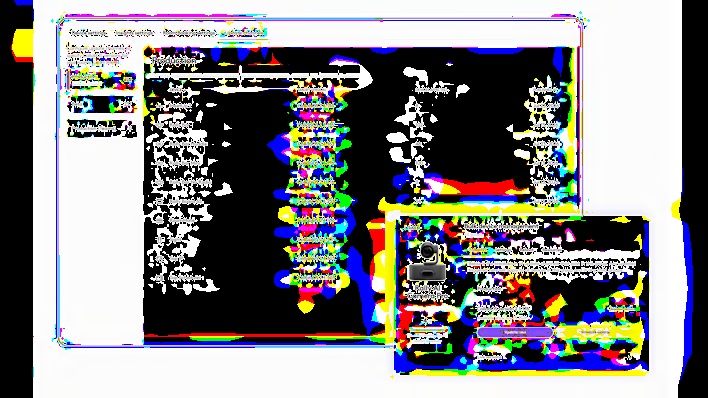
Update devices remotely
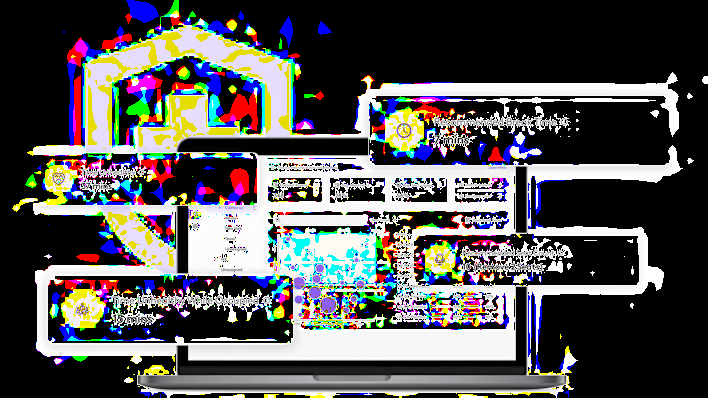
Use Logitech Sync to remotely adjust settings and push firmware updates to devices to ensure they are operating at their peak.
Get in touch with a Logitech expert about workspace solutions for your business.
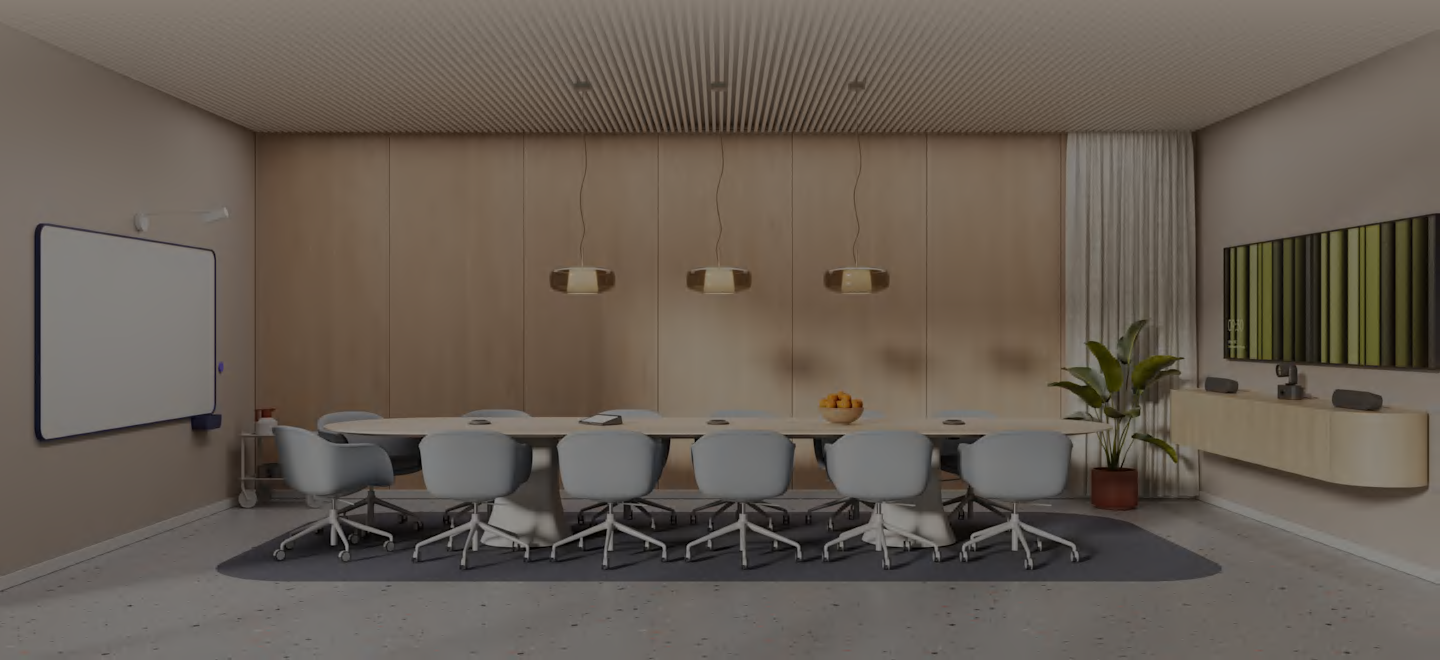


Rally AI Camera Pro with RightSight 2 technology dynamically frames every participant — groups, individuals, and presenters. So every interaction feels more productive, more connected, and effortlessly seamless.
Advanced intelligence keeps presenters perfectly in frame, so instructors can deliver with ease while remote viewers stay connected and engaged, every step of the way.
Rally AI Camera Pro is designed to adapt to almost any space, from traditional meeting rooms to large gathering spaces. With support for single- and multi-camera setups*, it captures presenters and participants from every angle, even in more complex A/V environments.

Rally AI Camera integrates seamlessly with Zoom Rooms and Microsoft Teams Rooms*, enabling natural, equitable framing across multiple perspectives in single and multi-camera setups.
Activates multiple cameras in Microsoft Teams Rooms on Windows for large and complex spaces such as multi-purpose rooms and classrooms. Remote participants can experience multi-camera view on Microsoft Teams Desktop (Windows and Mac) and Teams Rooms on Windows.
Connect to Wi-Fi or over PoE to monitor, manage, and update Rally AI Camera Pro along with your other meeting room devices through Logitech Sync. One intuitive interface. Simple and easy.
Use Logitech Sync to remotely adjust settings and push firmware updates to devices to ensure they are operating at their peak.
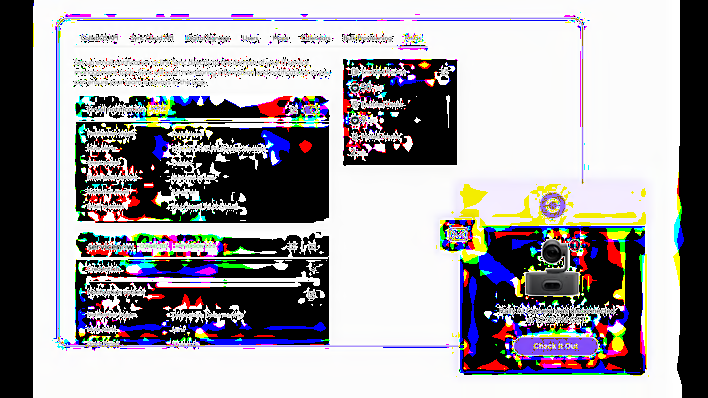
Get real-time notifications for device errors and warnings that help you promptly address issues as they arise.
Use room utilization and occupancy data to generate insights that inform better office space planning.