Enhance your experience
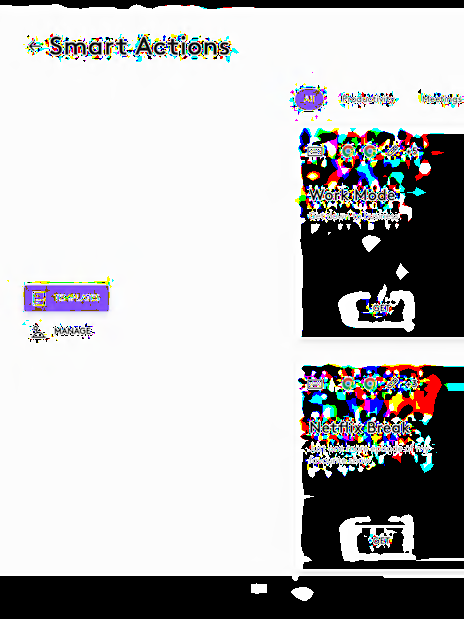
Smart Actions
Skip repetitive actions by automating multiple tasks with a single click or keystroke, so you can get more done. It’s like macros with a little magic.
Easier and more productive is the goal. How you do it is up to you. The Logi Options+ App enables you to customize all your supported devices including mice, keyboards, lights, webcams, touchpads, presentation remotes, and MX Creative Console. Get more done with the easy-to-use Options+ App.
Skip repetitive actions by automating multiple tasks with a single click or keystroke, so you can get more done. It’s like macros with a little magic.
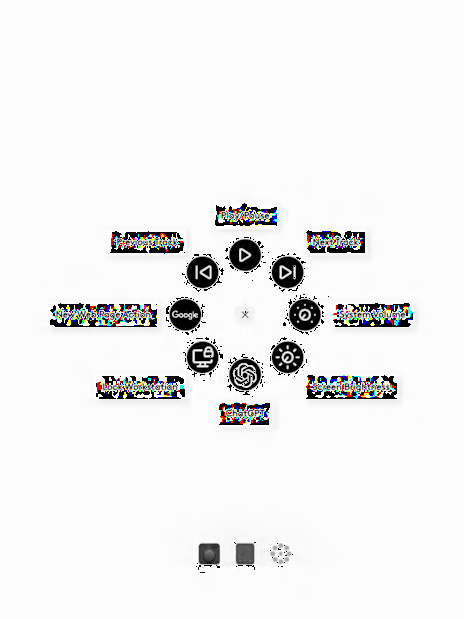
Create as fast as your imagination can take you with Actions Ring, a customizable on-screen overlay bringing every tool you need right at the tip of your cursor.
This feature is only available with all MX devices* at this moment.
*Except MX Webcam and MX Ink
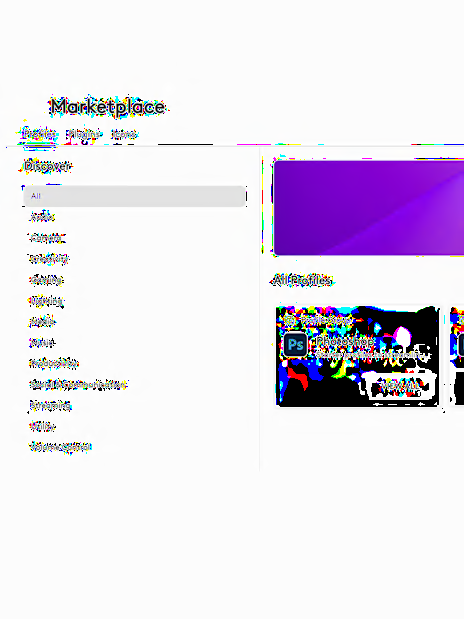
Explore powerful plugins, intuitive profiles and stunning icon packs in our marketplace, designed to empower creators.
This feature is only available with all MX devices* at this moment.
*Except MX Webcam and MX Ink
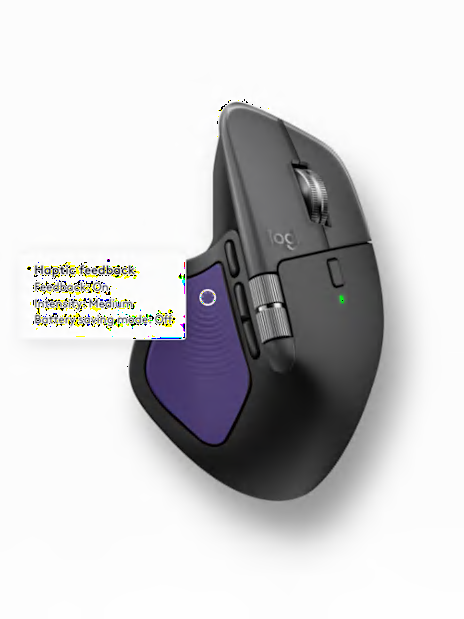
Redefine precision and immersive control with haptic feedback for specific actions.
This feature is only available with MX Master 4 at this moment.
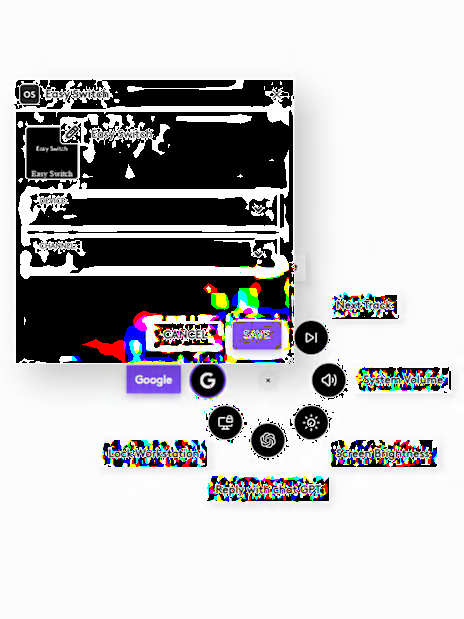
Effortlessly switch up to three devices with one key press on your supported keyboard using the enhanced Easy-Switch feature or use one of the Actions Ring bubbles for any MX mouse.
Click here for device compatibility.
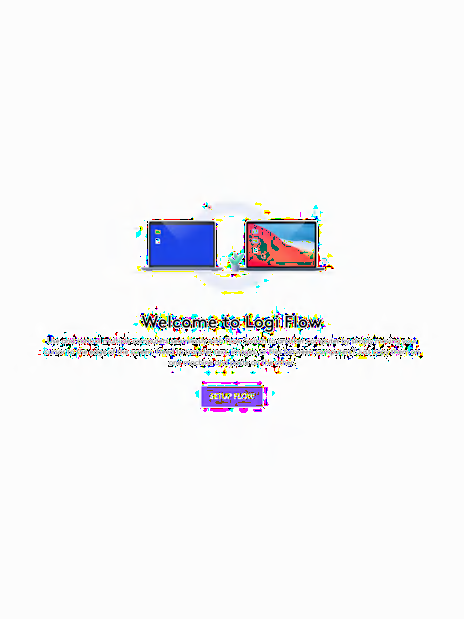
Control multiple computers and operating systems with the Flow feature. Effortlessly transfer text, images, and files between them.
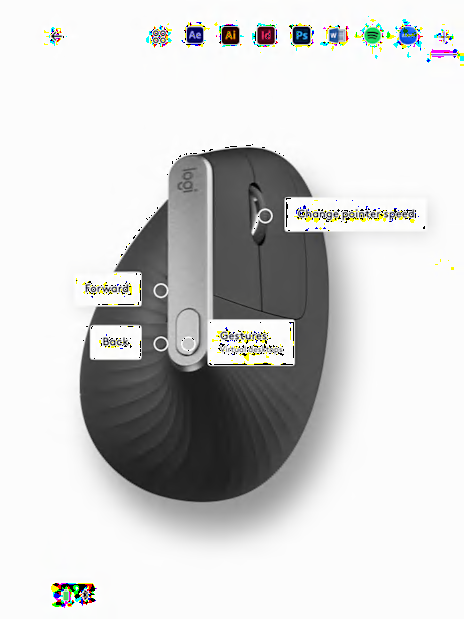
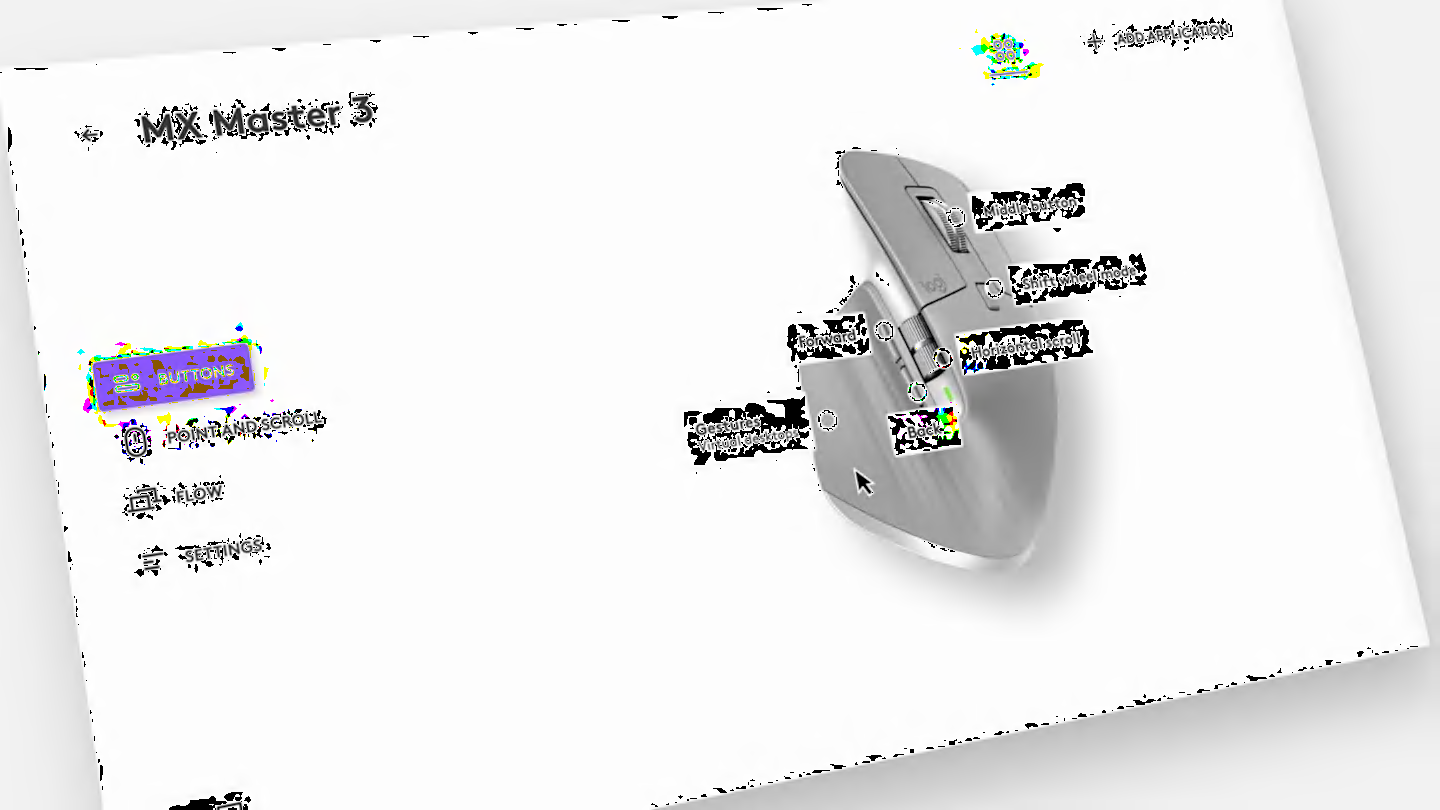
Assign actions to Logitech devices as you prefer. Use the preset settings or define for your most used apps, like Google Chrome, Edge, Safari, Zoom, Word, PowerPoint, Excel, Photoshop, Premiere Pro, Final Cut Pro, and Microsoft Teams.
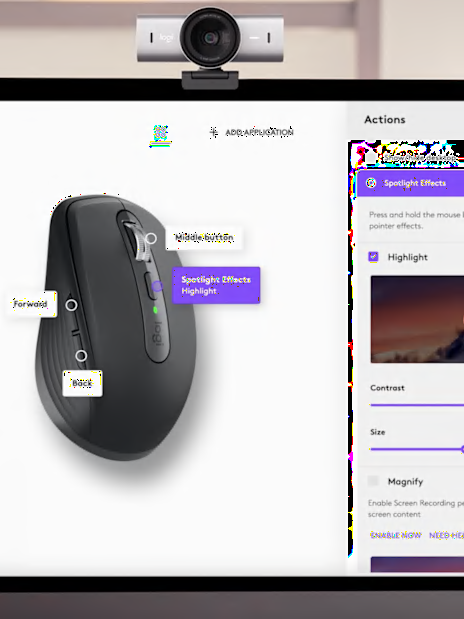
Turn your presentations into performance with the Spotlight Effects for mice. Help your audience follow your presentation with three advanced pointing effects: Highlight, Magnify, Digital Laser.
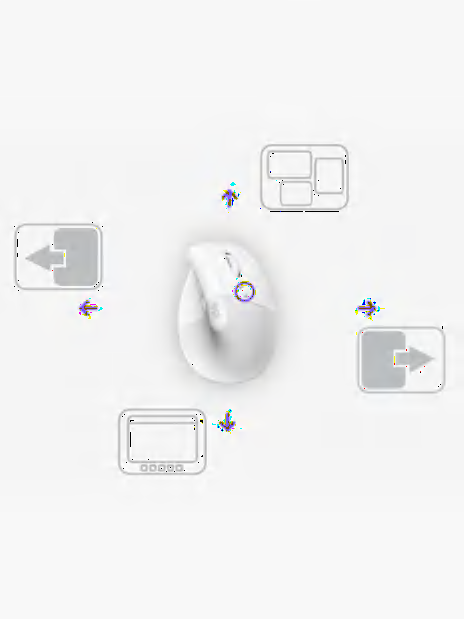
Simplify your workflow. Assign gestures to any mouse button. Hold it, and move up, down, left, and right to navigate windows, control songs, and more. Gestures can also be assigned to your touchpads.
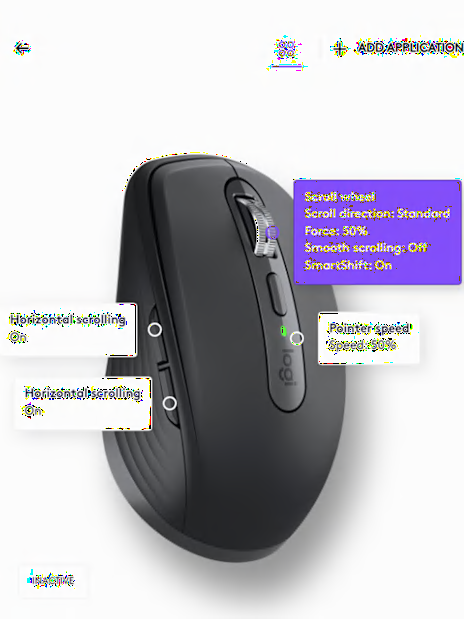
Enjoy a smooth navigation experience with your mouse by setting it’s pointer speed, scrolling speed, scrolling direction and more.
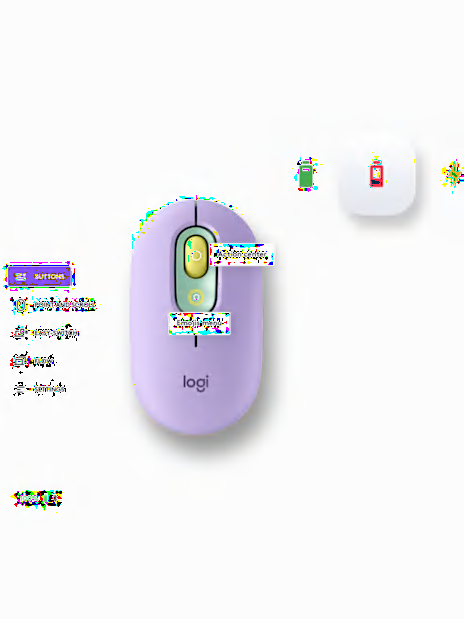
Check which computers are paired with your mice and keyboards, get notified if Caps Lock is on, and keep an eye on battery levels to help you avoid disruptions.
You’ve got Options! Personalize your Logitech device experience to get things done your way, saving time and bringing efficiency.
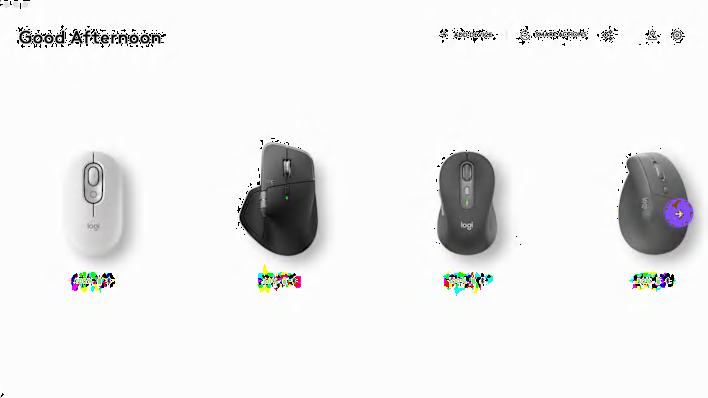
Choose what the buttons do for you—assign time-saving shortcuts for your most used applications, automate repetitive tasks with a single click, control multiple computers, use intuitive gestures, adjust the pointing and scrolling experience, keep an eye on battery levels, and more.
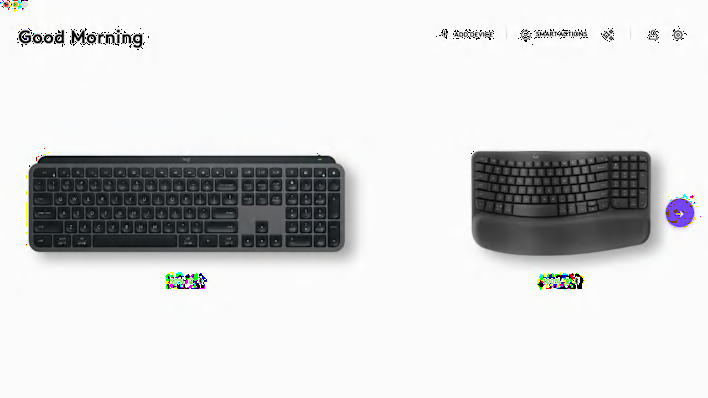
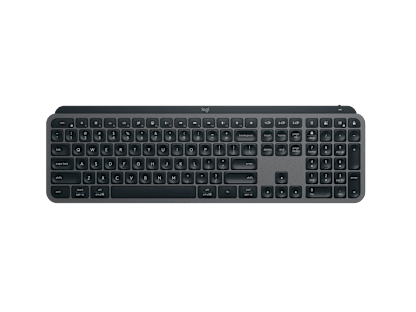
Choose ready-to-use Smart Actions to take multiple actions with a single keystroke, assign shortcuts to F-keys, keep an eye on the battery levels, and more.
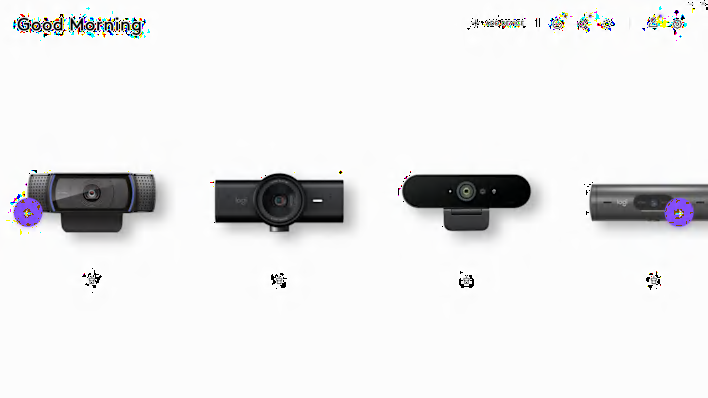
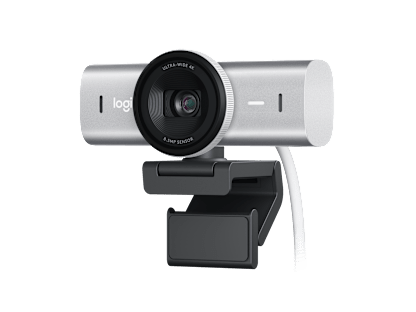
Look, Sound, Collaborate better with Logitech webcams. Customize the settings of your supported Logitech webcams to look your best always. Enhance your video meeting experience by personalizing the webcam settings to your needs.
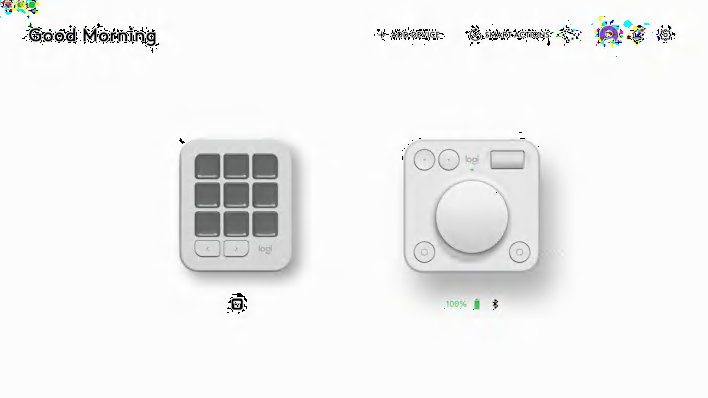
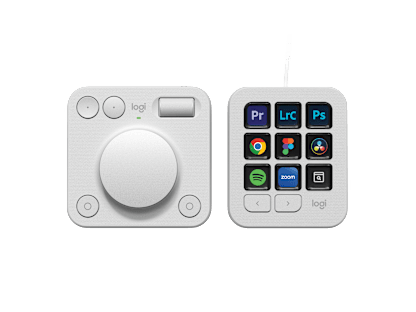
Assign actions and adjustments to the MX Creative Console. Explore an ever-growing library of plugins, profiles, icon packs on the marketplace. Access your favorite tools and shortcuts at the tip of your cursor with Actions Ring.
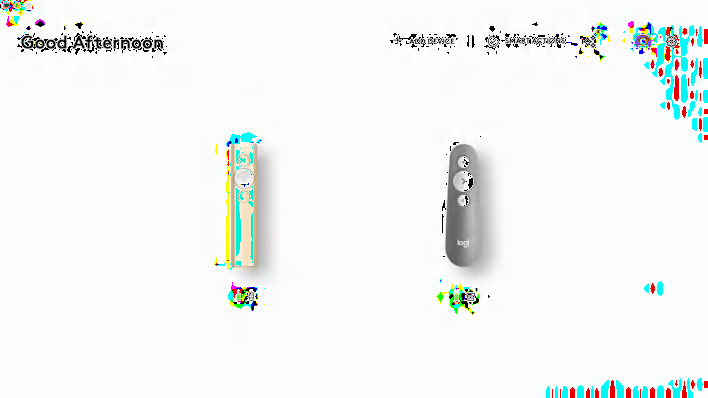
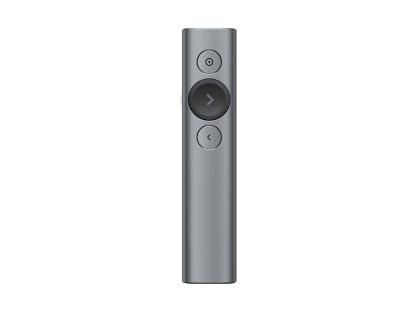
Customize the Spotlight Presentation Remote to elevate your presentations. Engage your audience from the get-go to the final slide with the spotlight effects.
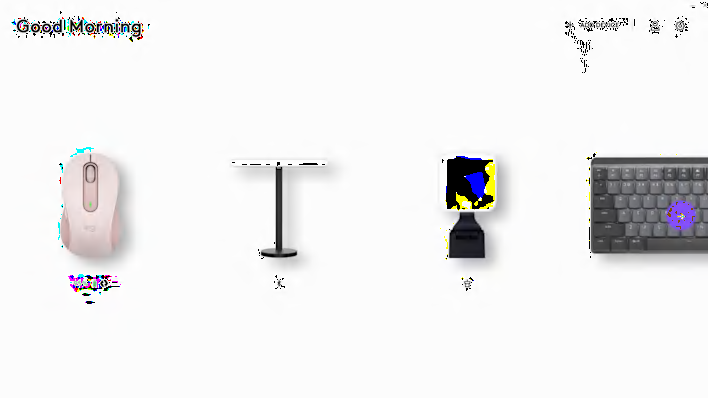
Take advantage of Options+ App to adjust the brightness, temperature, create app-specific settings for your Logitech LED lights. Good lighting makes all the difference.