Crafted in Comfort

Crafted in Comfort

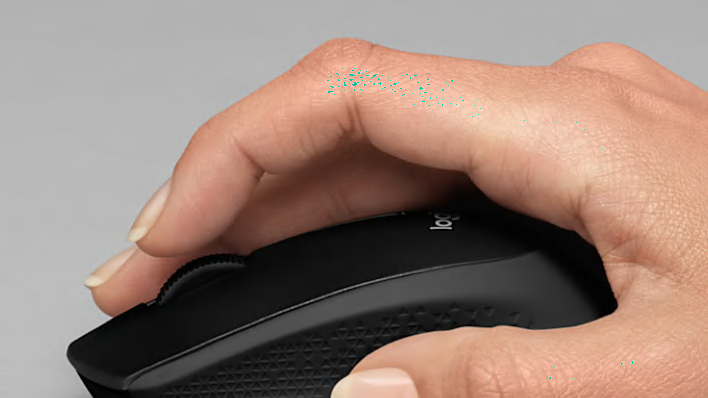
Logitech mice are designed to be comfortable and easy to use for anyone. With all sorts of shapes, sizes, and styles to choose from, you can find one that fits you best.

Logitech mice are designed to be comfortable and easy to use for anyone. With all sorts of shapes, sizes, and styles to choose from, you can find one that fits you best.

Find The Mouse That Fits You

When choosing the perfect mouse there are several things to consider. The size, shape, and materials all make a difference, as well as why you need it and where you plan to use it.

The Perfect Size For Every Situation

Logitech mice have a large array of form factors so that everyone can find their perfect fit. In order to define the right fit for your hand you should look at the size of the mouse as well as the profile and shape of its surface.

perfect hand size

Small + Travel: Designed for smaller hands and increased portability.

Medium: Sized to fit the average user and designed for daily desktop use.

Large: Fits bigger hands and features different form factors — including trackballs and vertical mice. Great for Palm Grip.

Your Grip Style Matters

Do you know what your grip style is? It can help you choose a mouse with just the right size and shape to help you work efficiently and stay comfortable.

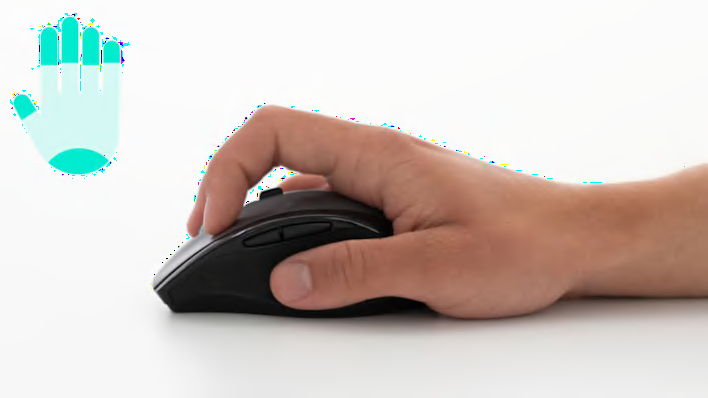
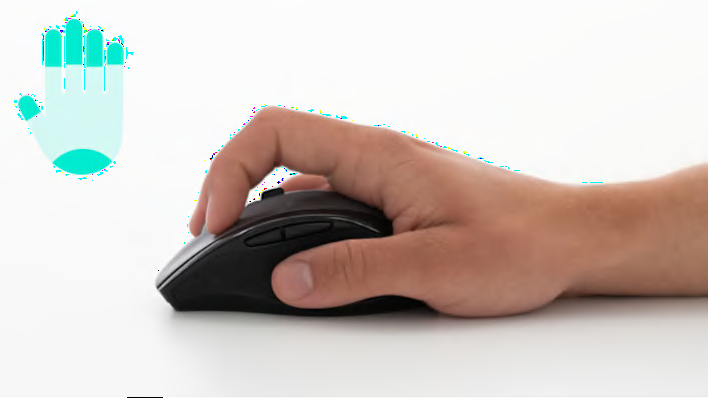
palm grip

Palm Grip

Best for: Avoiding wrist and finger strain.
If you use your palm to move the mouse around then you’ll probably want a curvier, fuller mouse shape that offers room to rest your whole hand. This grip is highly dependant on your hand size to find the perfect mouse fit. 
Finger grip

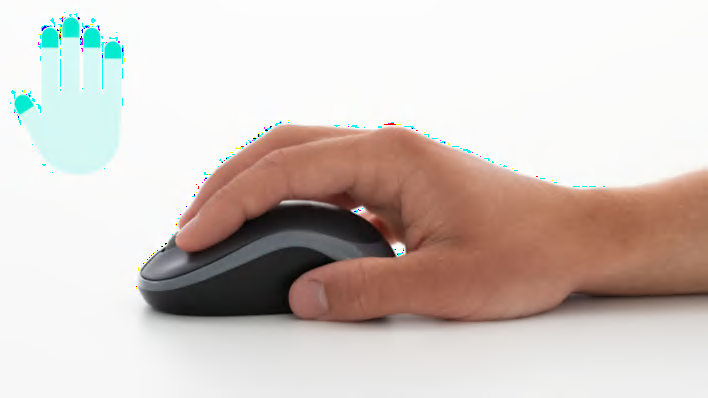
Finger Grip

Best for: Slim and portable mice.
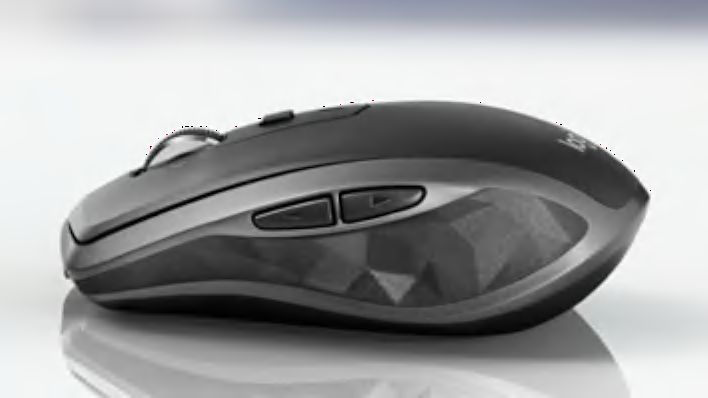
If you control the mouse with your fingertips, then a more compact size may fit you best. Logitech has a number of slim and portable mice (like the Logitech MX Anywhere) that are light and easy to control with just your fingertips.

The Components of Comfort

Besides the size and shape of a mouse, the materials it is crafted with can make a big difference in finding a mouse that fits you.

  • Arched Palm Support: Fits naturally in your hand.
  • Thumb Pocket: For extra support.
  • Streamlined Underside: For optimal gliding on different surfaces.
  • Sculpted Shape: Supports your hand and wrist in a natural position.
Comfort position
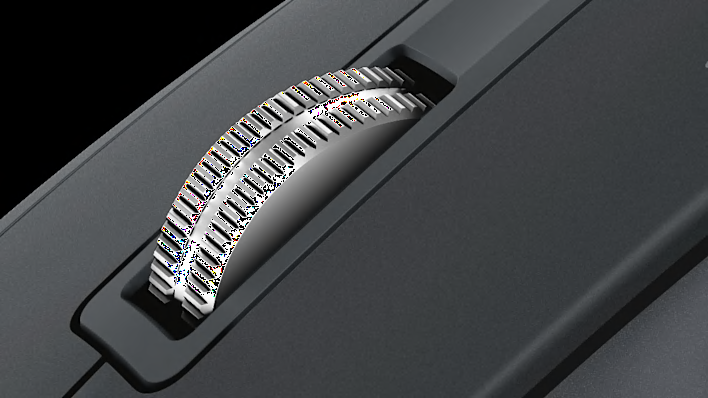
scroll wheel

Scroll wheel

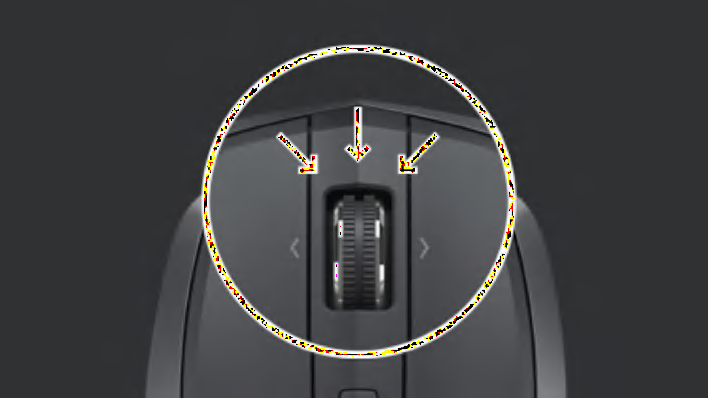
All-new premium steel construction for precision scrolling.

rubber sliders

Rubber slides

A unique pattern helps you hold firmly.

Less noise more focus

Less Noise, More Focus

Logitech is proud to be the first mouse company in the world to receive the Quiet Mark certification.


Studies have shown that noise can affect human health and productivity in a negative manner. To reduce noise and make the quietest mouse possible, Logitech has launched models featuring new technology designed to accomplish just that.
New click switches, new gliding feet and new internal construction are all part of the effort to make our mice quieter, minimizing distracting noise for you and your co-workers.

Practical and Productive

Mice do more than just click. There are other important things to consider when choosing a mouse that can help maximize your productivity.

Customizable buttons

Customizable Buttons

Logitech Options software lets you assign mouse buttons to any keyboard key, which is especially helpful for keys you use often. We offer models with extra buttons on either the side or top of the mouse (or both) for increased functionality so you can get things done faster.

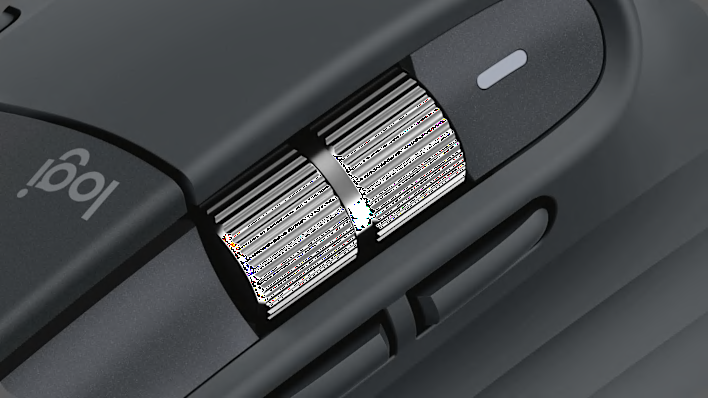
Scroll wheel

Scroll Wheel

Scroll wheels make it easy to move up and down on a web page or document. Logitech offers several types of scroll wheels: Precision Wheel, Hyperfast, and SmartShift. Whether you want a fast, free-spinning scroll wheel, a click-to-click wheel, or both, there’s an option for you.

More about logitech

Learn more about the technology behind Logitech mice and the story behind the Logitech brand.

More about logitech

Learn more about the technology behind Logitech mice and the story behind the Logitech brand.