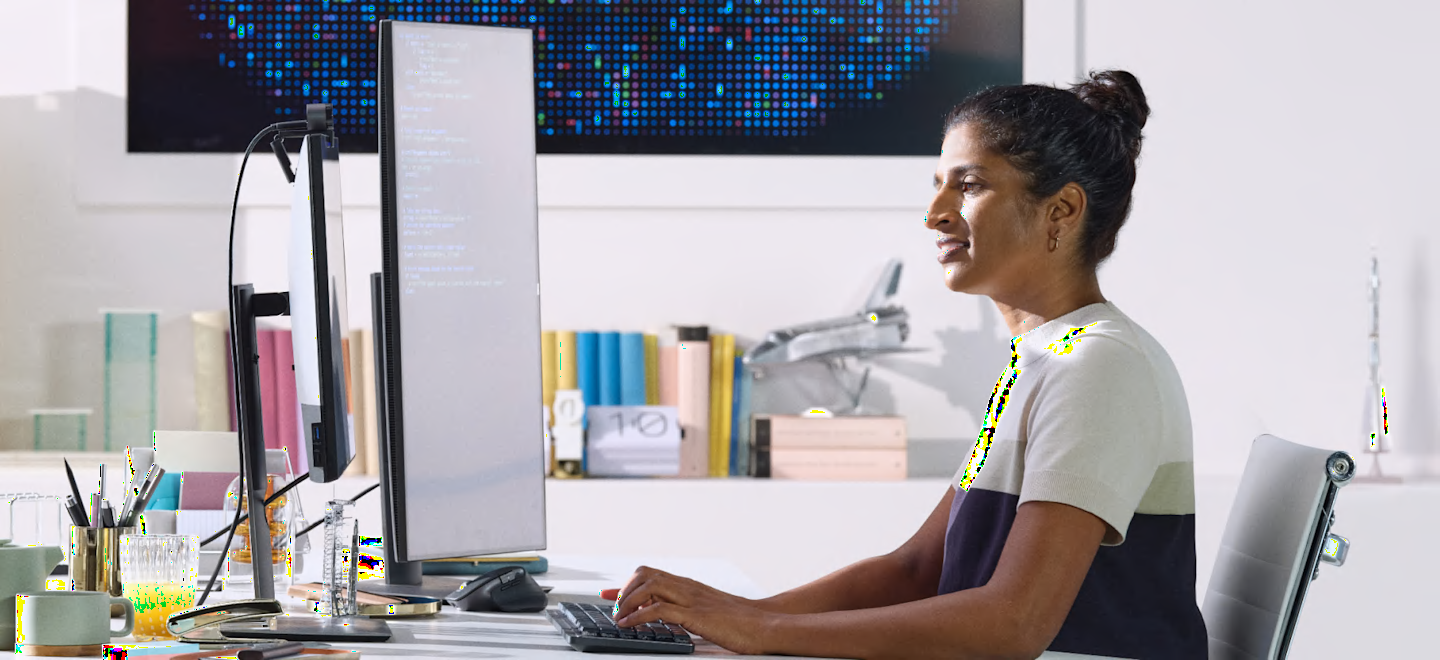
Paired for comfort and precision
Enjoy hours of productivity in comfort with the low-profile keys of MX Mechanical for a more natural hand position and the hand-sculpted MX Master 3S for better wrist posture.
Paired for comfort and precision
Enjoy hours of productivity in comfort with the low-profile keys of MX Mechanical for a more natural hand position and the hand-sculpted MX Master 3S for better wrist posture.
Ultra fluid mechanical typing
Low-profile mechanical switches offer a deep and reassuring typing feel. Your fingers glide effortlessly across the matte surface of the keys – and dual color keycaps make it easy to orient your fingers and stay in your flow.
Ultra fluid mechanical typing
Low-profile mechanical switches offer a deep and reassuring typing feel. Your fingers glide effortlessly across the matte surface of the keys – and dual color keycaps make it easy to orient your fingers and stay in your flow.
Scroll 1,000 lines per second
with the Magspeed scroll wheel. 90%1 more speed and 87%2 more precision with its 2 modes: ratchet & hyper-fast scroll (compared to regular Logitech mouse)
Scroll 1,000 lines per second
with the Magspeed scroll wheel. 90%1 more speed and 87%2 more precision with its 2 modes: ratchet & hyper-fast scroll (compared to regular Logitech mouse)
Smart illumination. Non-stop performance
The backlit keys magically light up when your hands approach, and automatically adjust to suit your lighting conditions. You can also choose between a variety of immersive backlighting effects in Logi Options+3.
Smart illumination. Non-stop performance
The backlit keys magically light up when your hands approach, and automatically adjust to suit your lighting conditions. You can also choose between a variety of immersive backlighting effects in Logi Options+3.
More customization. Faster workflow.
Work across devices and operating systems, edit Fn key functions, change keyboard backlighting effects, adjust DPI-sensor values on your mouse, assign app-specific profiles and Smart Actions shortcuts to optimize nearly every aspect of your workflow.
More customization. Faster workflow.
Work across devices and operating systems, edit Fn key functions, change keyboard backlighting effects, adjust DPI-sensor values on your mouse, assign app-specific profiles and Smart Actions shortcuts to optimize nearly every aspect of your workflow.