




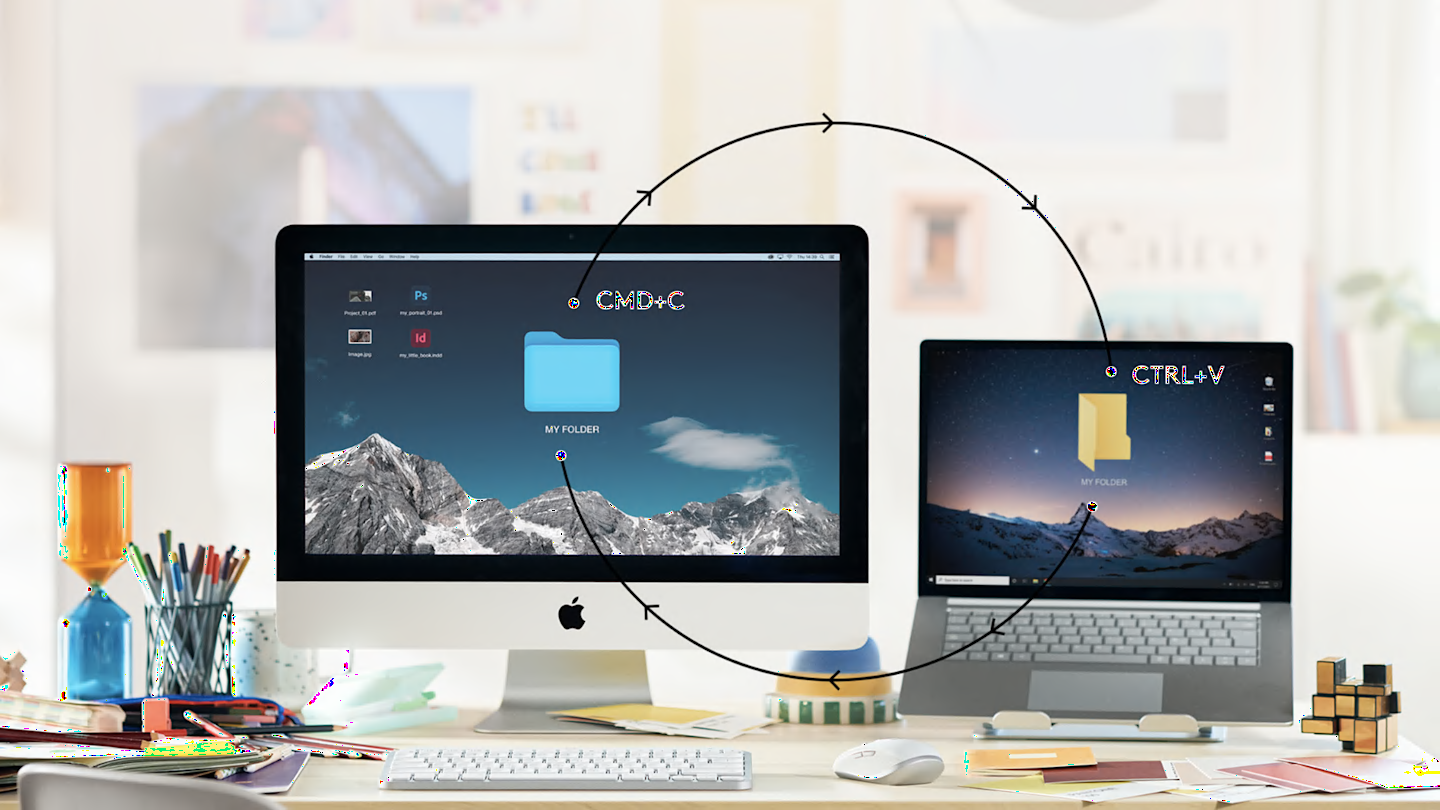
Speed-up your workflow

It’s nice to have Options

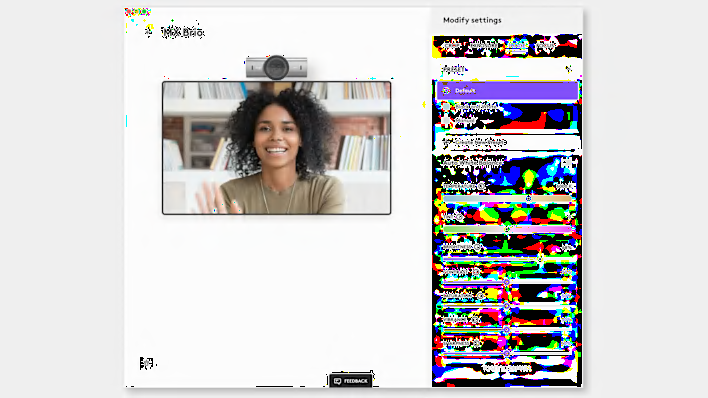
Effortlessly take control of your workflow with the Logi Options+ app*, on Windows and macOS, designed to transform how you work. With Logi Options+ you can work across devices and operating systems using Flow, adjust and customize your video, set tracking speed, customize individual buttons, and use ready-made app-specific customizations and Smart Actions to optimize nearly every aspect of your workflow.
 

*Available on Windows and macOS at logitech.com/optionsplus

MX Software screen

App specific customizations

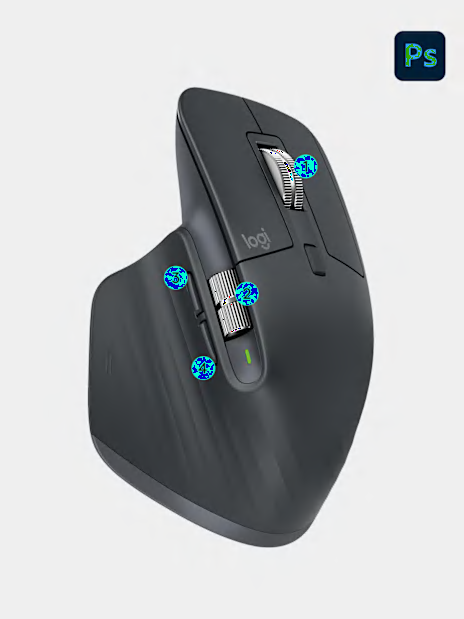
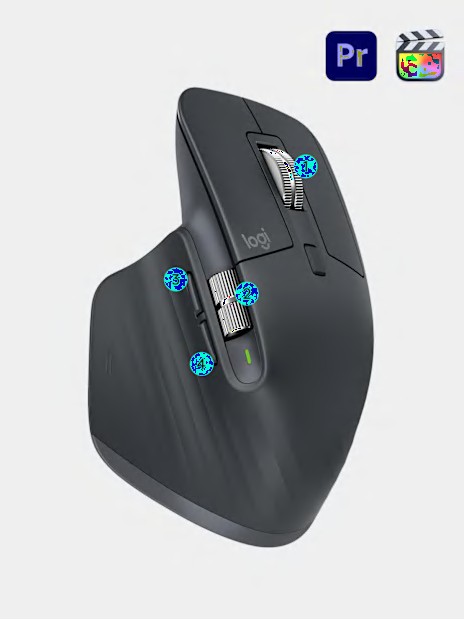
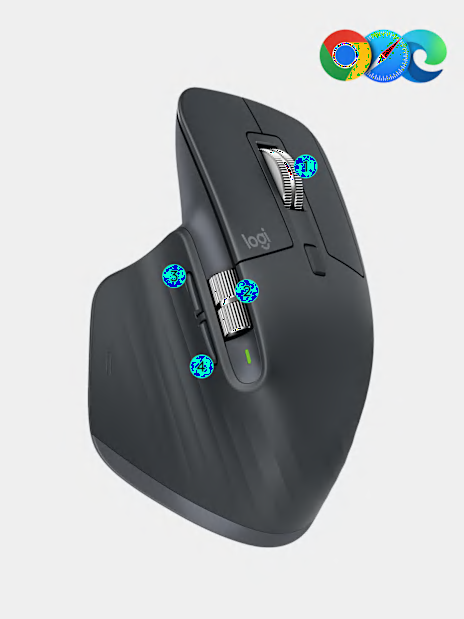
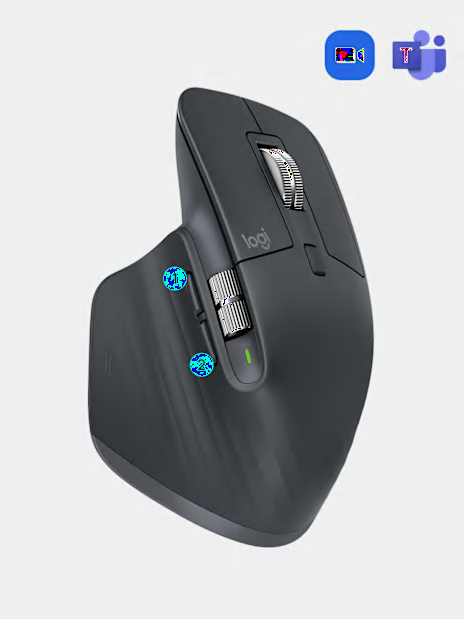
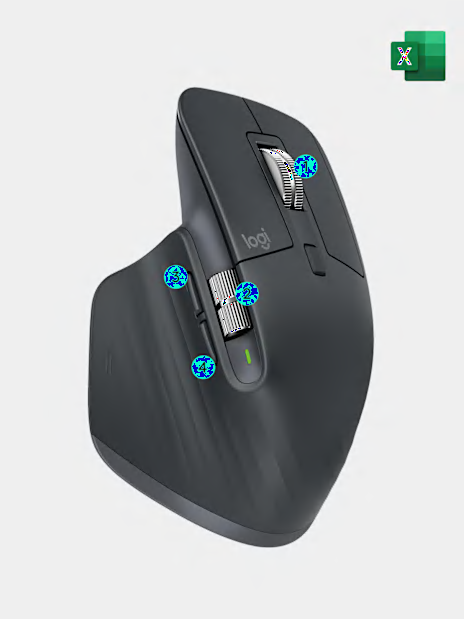
MX tools are fully customizable in virtually every app you use. Work faster with ready-made customizations optimized or create your own customizations for your favorite apps such as Adobe Photoshop®, Adobe Premiere Pro, Final Cut Pro, Google Chrome, Safari, Zoom®, Microsoft Teams®, Word®, Excel®, PowerPoint®, and Edge.
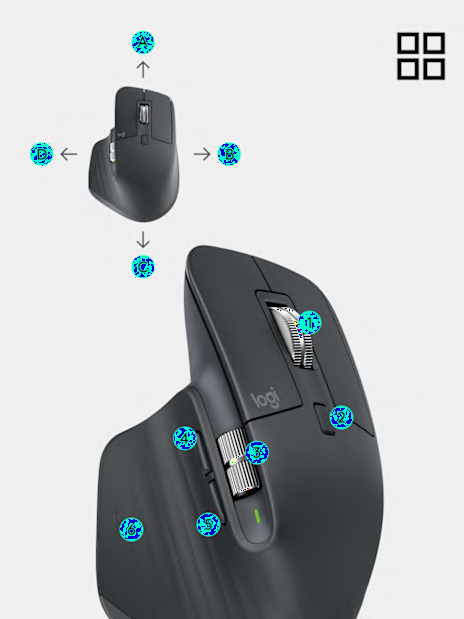
Maximize your MX potential

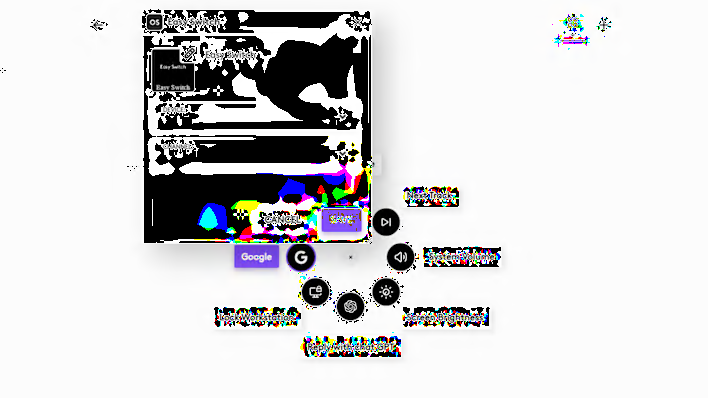
Actions Ring customization

Actions Ring

Create as fast as your imagination can take you with Actions Ring, a customizable on-screen overlay bringing every tool you need right at the tip of your cursor.

This feature is only available with all MX devices* at this moment..

*Except MX Webcam and MX Ink

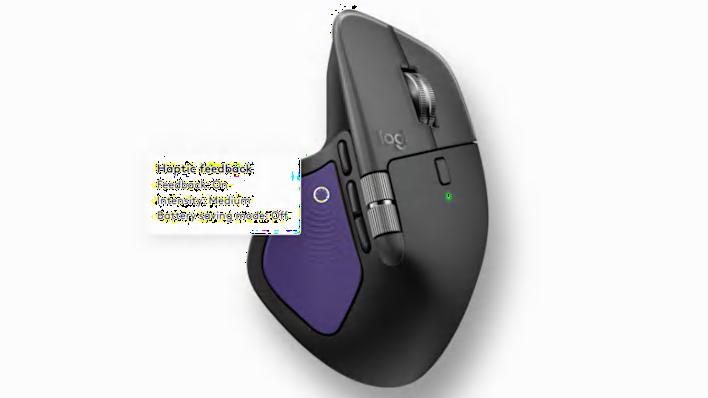
Haptic feedback customization

Haptics

Redefine precision and immersive control with haptic feedback for specific actions.

This feature is only available with MX Master 4 at this moment.