Ritual Rescue

Ritual Rescue

International Wellbeing Month 

International Wellbeing Month 

Get a Free Deskmat with any two Ergo products.
Plus get a Free Laptop Stand with Orders over $175.

Feel better. Do better.

Through a month-long social campaign celebrating wellbeing, we’ll empower our community to rescue their rituals by transforming their desk from source of strain into a place that gives back to them through intentional, ergonomic design.

How do you feel at your workspace?

More than ever, wellbeing plays a crucial role in our daily work life. While eating healthy, getting adequate sleep and work-life balance matter, there is a growing need for comfort and ergonomics at the workspace.

back pain

58% of workers surveyed by Logitech across 11 countries reported feeling  pain or discomfort at the end of a workday, especially in the neck and back.*

*Source: Quantitative research commissioned by Logitech (2024-2025) involving  5,583 surveyed office workers in 11 global markets (US, CA, CN, TW, UK, DE, FR, MX, BR, AR, CO). Data reflects self-reported experiences of participants over a multi-week period.

bad posture

72% of workers surveyed by Logitech across 11 countries  perceived bad posture while working as a top factor causing pain or discomfort.*

*Source: Quantitative research commissioned by Logitech (2024-2025) involving  5,583 surveyed office workers in 11 global markets (US, CA, CN, TW, UK, DE, FR, MX, BR, AR, CO). Data reflects self-reported experiences of participants over a multi-week period.

What experts are saying on feeling good

The good news? There are ways to boost our productivity, while also taking care of ourselves, too. We compiled a few simple tips from experts on staying more relaxed and happier at work and beyond.

Physical wellbeing

Physical wellbeing

We spend, on average, 82,000 hours working in our lifetime, and our bodies are not designed to sit all day - they’re designed to move. Here are a few tips:


Taking regular breaks of 5-10 minutes every hour
Breaks reduce stress and end of day fatigue, and increase concentration and creativity. The best breaks are ones where you move around, get away from screens, and think of something other than work.

Don’t forget to be kind to your eyes
Like the rest of your body, they also deserve breaks. Try looking 20ft away for 20 seconds, every 20 minutes to reduce eye fatigue. 

Relax your neck and stretch your back throughout the day

Mental Wellbeing

Mental wellbeing

We know with everything going on, finding out how to turn off, relax, and reset can feel like a chore in itself. Here are a few tips:


Make space for self-care
Meetings aren’t the only important thing to schedule into your calendar. Make sure that you create time to treat yourself to something fun or relaxing you can really indulge in, whether that's a long walk in the middle of the day or binging your favorite show.*

*Source: Modern Health, Insights from Taking Care of Burnout Playbook, and Finding Connection While Working From Home Guide. 


Check in with coworkers
Outside of email and messaging communication of course. Initiate (virtual) coffee chats or hangouts. Attend company-sponsored clubs or events, and join employee resource groups you’re interested in.

Make the most of available time off
Remember that vacations and weekends actually exist— turn off your notifications, put away your work computer and do activities that fully disengage you from work for a proper, well deserved rest.*

*Source: Modern Health, Insights from Taking Care of Burnout Playbook, and Finding Connection While Working From Home Guide.. 

Workspcae Wellbeing

Workspace wellbeing

Elevated wellbeing starts with some small and simple setup adjustments. The right workspace can do wonders for your wellbeing. Here are a few tips:

Support your lower back
If you don’t have an ergonomic chair, using some cushions may help adjust your sitting position to support your lower back throughout the day.

Lift your laptop
Adjust the top of your screen to around eye level so you can relieve stress on your neck and aren’t hunched up all day. You could use a laptop stand, an external monitor if you have one, or even a pile of books.

Get the right mouse and keyboard
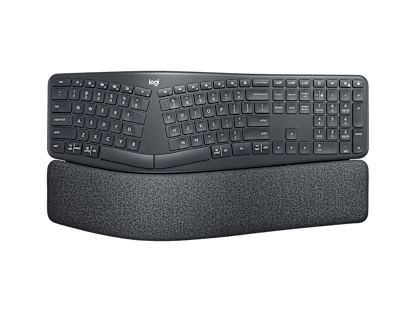
On average, if you use the computer more than 6 hours per day, an ergonomic mouse and keyboard help you work in a more natural posture throughout the day and reduce muscle strain.

"I really like the sculpted-ness of it. It feels much more comfortable for my hands to rest on."

Clara, Engineer & Artist*

*Quote extracted from a testimonial video produced by Logitech, for which participant has been remunerated.  

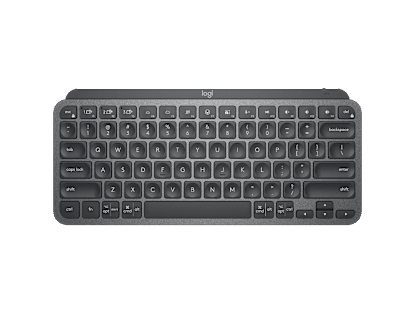
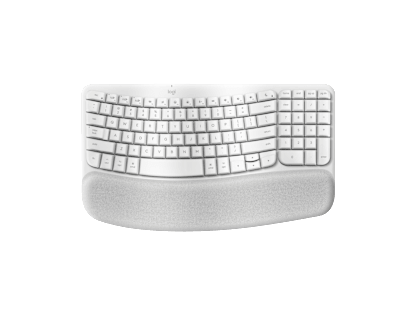
"As a writer your keyboard is your pen. It's so important to have the right setup. Wave Keys makes typing feel more natural."

Niall, Writer & Editor*

*Quote extracted from a testimonial video produced by Logitech, for which participant has been remunerated. 

The Ergo Series By Logitech

Developed and tested with the Logi Ergo Lab, and with the stamp of approval from United States Ergonomics, you can be rest assured our products mean business when it comes to your wellbeing in the workspace.

Find your match

Get comfier with our range of ergonomic mice and keyboards, designed to help workdays go easier on you.

Vertical Mice

Vertical mice

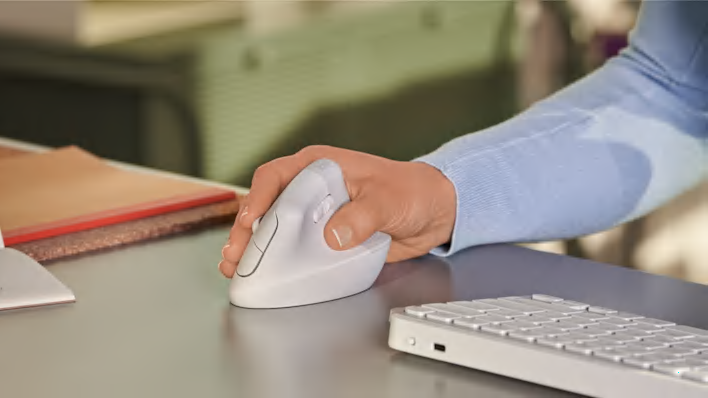
Raise your hand into comfort
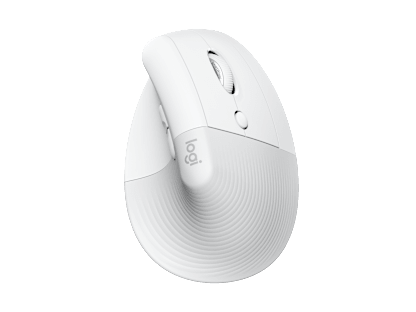
By placing your hand in a natural handshake position, our vertical mice relieve pressure on your wrist and keep your hand and forearm relaxed throughout the day. Discover the one for you - with options available for both right and left hands.

trackball mice

Trackball Mice

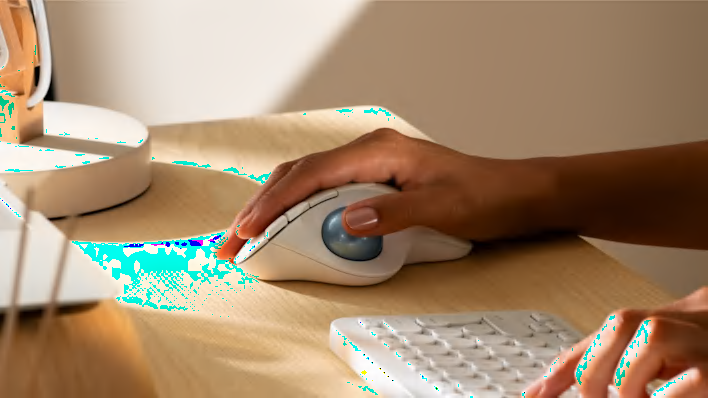
Thumbs up for thumb control
Less movement, more comfort. With no need to move your arm around to move the cursor, your hand and arm can stay relaxed no matter the task ahead. Ideal for smaller desks.

Mix and match your comfort

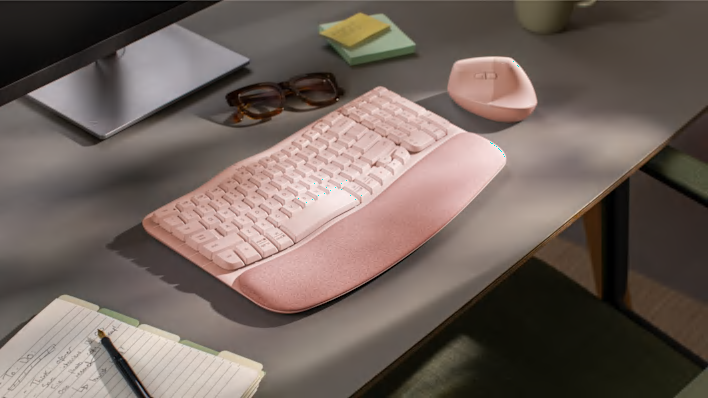
Feel better, do better with a combination of Ergo products designed to boost your wellbeing and productivity. Find a match for your needs and your workspace.

Explore the Ergo Series

Explore the Ergo Series