Core Gaming Accessories for PC Gamers
The best accessories for PC gaming combine comfort and performance to elevate your game. Common PC gaming accessories include mice, keyboards, and headsets.
From keyboards and mice to gaming headsets, the right gaming accessories can make a big difference. Using the best gaming accessories can help you get an advantage over your competition with features like enhanced audio and faster response times.
Choosing the right gaming accessories for your setup is a matter of your personal preferences and play style. First-person shooter (FPS) players need pinpoint accuracy and lightning-fast response times, while massively multiplayer online (MMO) gamers need programmable buttons for in-game abilities.
If you want to crush the competition, game comfortably, or immerse yourself in your favorite games, keep reading. Learn more about gaming accessories and how you can find the best gear for your setup.

The best accessories for PC gaming combine comfort and performance to elevate your game. Common PC gaming accessories include mice, keyboards, and headsets.
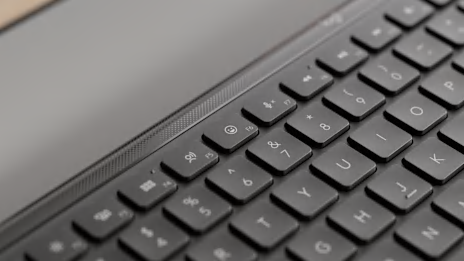
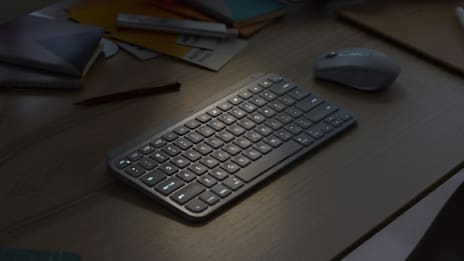
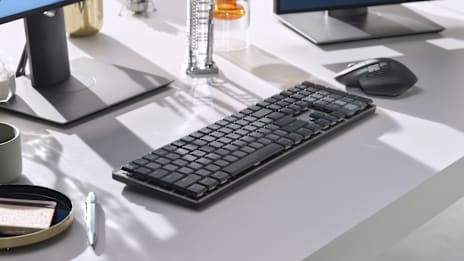
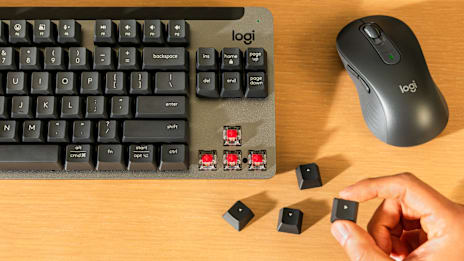
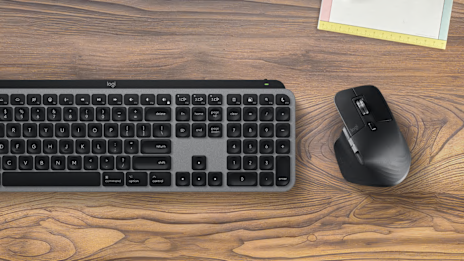
Gaming keyboards are crucial for movement and other in-game actions. The best gaming keyboards have high-quality switches that allow for faster keystrokes, allowing you to shave milliseconds off your response time to get a competitive edge. Here are a few things to consider when choosing a gaming a keyboard:
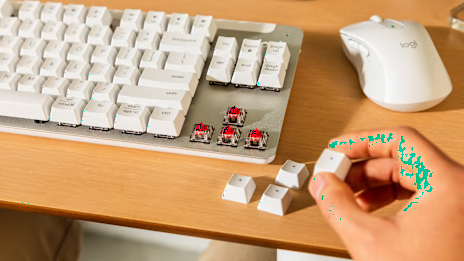
Switch type. Each type of switch has a different feel. Gamers typically use linear switches because they’re quieter and smoother, but some PC gamers use tactile or clicky switches.
Size. Full-size keyboards have arrow keys and a number pad. Most gamers use a TKL (tenkeyless) or 60% keyboard. TKL keyboards have arrow keys without a number pad, while 60% keyboards have no arrow keys or number pad for an ultra-compact design.
Backlight. Backlighting helps when you’re gaming in the dark. RGB backlighting can also be a stylish addition to your gaming setup.
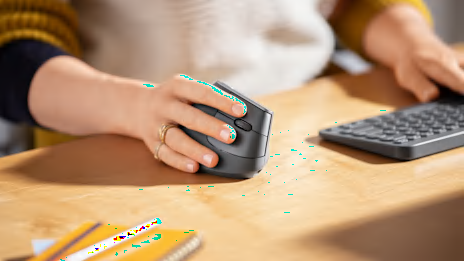
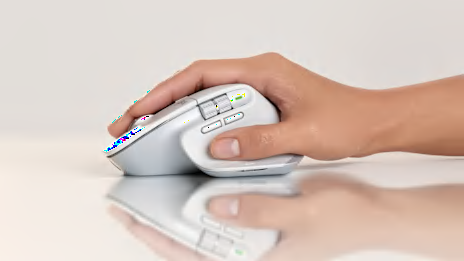
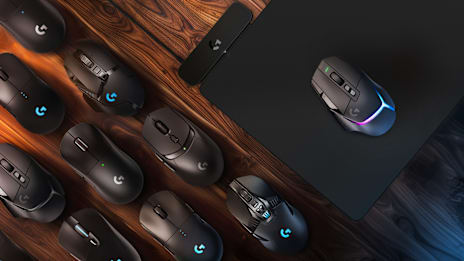
Gaming mice are designed to offer precision, comfort, and customization that are essential for gamers. A good gaming mouse can be the difference between hitting your shots and getting eliminated. Here's what to look for:
DPI and sensitivity. Higher DPI settings equate to higher mouse sensitivity. Your gaming mouse should have an adjustable DPI setting so you can adjust your mouse sensitivity to your liking.
Precision. High-quality optical mouse sensors track your mouse movements for enhanced precision and control, which is essential for wiping out the competition.
Wired vs. wireless. Wired mice are easy to connect and don’t require batteries, but some gamers find the cable gets in the way. If you want more freedom and don’t mind charging your mouse, wireless gaming mice offer precision and low latency. Plus, Logitech G wireless mice have a very long battery life.
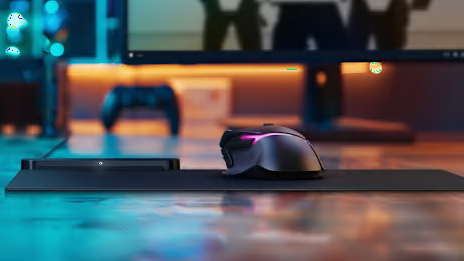
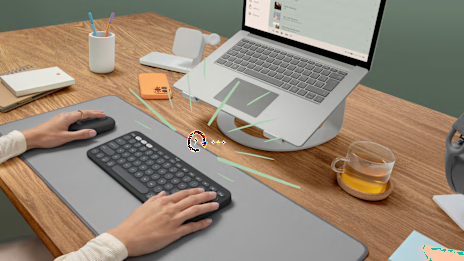
A gaming mouse pad provides a smooth surface for your mouse, enhancing mouse speed and precision. Gaming mouse pads are available in different sizes and materials for various play styles. Here's what to know about mouse pads for gaming:
Surface type. Cloth mouse pads offer a balance of speed and control, and they work well with optical sensors. You can choose between different firmness levels for a customized feel.
Size. Gaming mouse pads are usually larger, giving you more room to move your mouse. Large mouse pads are ideal for low-sensitivity gamers, and some mouse pads are large enough to fit your keyboard and mouse.
Base. A sturdy rubber base provides durability and keeps your mouse pad from slipping while you’re gaming.
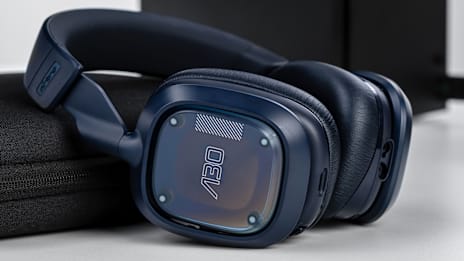
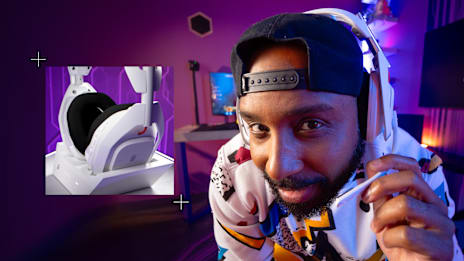
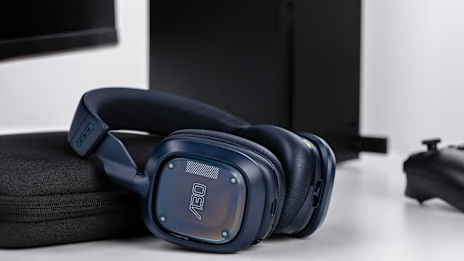
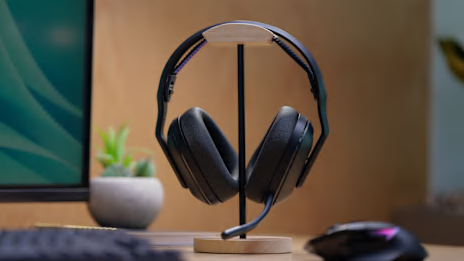
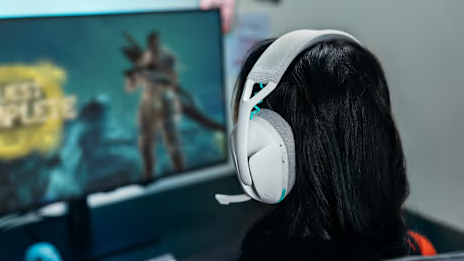
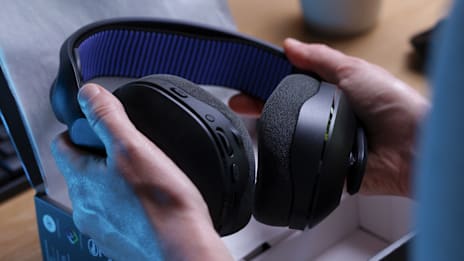
Gaming headsets allow you to immerse yourself in the game and communicate clearly with your teammates. A high-quality gaming headset is essential if you play multiplayer games. Consider the following features:
Audio quality. Features like high-quality audio drivers, surround sound and spatial audio support provide enhanced audio quality so you can hear every footstep and alert.
Wired vs. wireless. Wired headsets are easy to use and reliable. If you want more freedom and don’t mind charging your headset, wireless is an excellent choice.
Integrated microphone. If you don’t have a desktop microphone, look for a gaming headset with a high-quality, integrated microphone. Microphones with built-in noise isolation allow you to seamlessly communicate with your squad.
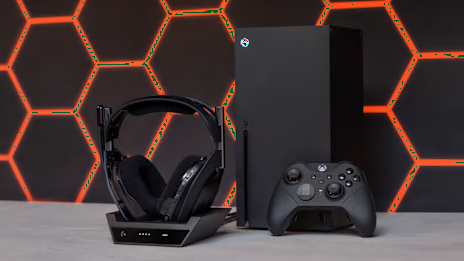
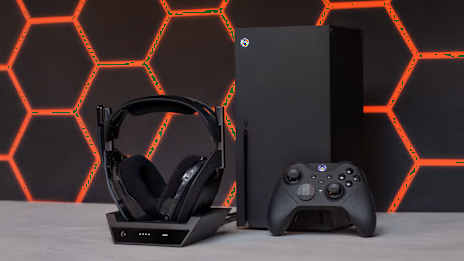
Console gaming is simple—the only gaming accessories you need are controllers and a gaming headset.
Controllers have a significant impact on your accuracy and response time. Some gamepads and controllers also feature programmable buttons so you can map vital in-game actions. Here’s what to consider:
Platform. Some controllers work with multiple platforms, while others are specifically designed for Xbox, PlayStation, or Nintendo Switch.
Game genre. Features like programmable buttons and rapid fire triggers offer a competitive edge in FPS, battle royale, and tactical shooter games.
Wired vs. wireless. Wired controllers are easy to connect and don’t have to be recharged, while wireless controllers offer more freedom and the same low-latency connection.
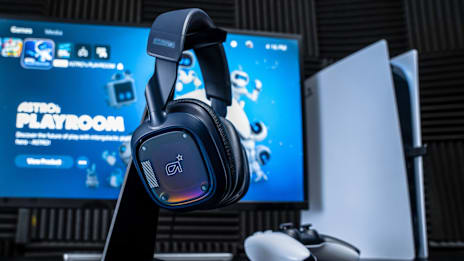
Since consoles don’t give you as much control over settings, console gamers count on headsets that deliver superior sound quality out of the box. Consider the following when shopping for a gaming headset:
Audio. Consoles offer support for audio features like 3D audio and surround sound, so gaming headsets that include these features are ideal.
Quality microphone. A built-in, high-quality, noise-isolating microphone allows for crystal-clear comms in the heat of battle.
Wired vs. wireless. Many gamers opt for wired gaming headsets because they offer a reliable connection at a lower price. However, most advanced wireless headsets provide near-zero latency without the cables.
Gaming accessories like RGB lighting and charging docks are optional, but they can help elevate your setup. Choose optional gaming accessories that match your needs as a player.
Cable management solutions like cable ties, clips, and cable trays can help you keep your cables organized and out of the way while you game. If you use a wired gaming mouse, a mouse bungee keeps your cable out of the way and unrestricted so you can aim precisely without your cord getting caught on your desk.
RGB lighting is a simple way to upgrade your gaming setup aesthetically. Choose between hexagon lights, lighting strips, and more to customize your gaming setup with your favorite colors. Some gaming peripherals are also built with RGB for a fun and personalized gaming experience, and you can use software to sync your RGB lighting to in-game triggers like gunfire or music.
An external SSD gives you extra storage space for your games, so you don’t have to uninstall one game to make room for the others you want to install. That means you can download the latest Warzone update without deleting all your other games.
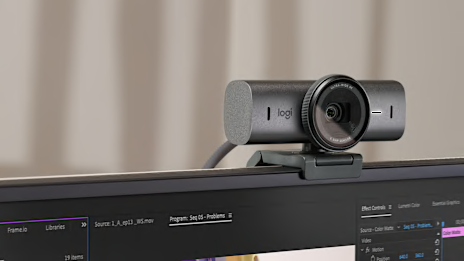
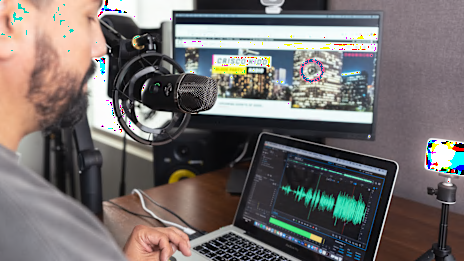
If you’re planning on streaming, consider investing in an upgraded camera, a USB microphone, and lighting for your streaming setup.
Choosing the best video game accessories is a matter of your budget and personal preference. When selecting gaming accessories, it’s important to think about your gaming style, budget, and the platform(s) you play on.
Some gamers spend their time delving into single-player stories, while others prefer competitive online gaming. Consider the genres of games you enjoy playing and the accessory features that support your preferred gaming style. For example, MMO players typically prefer a mouse with several programmable buttons.
Some gaming accessories are designed for specific platforms. Check to make sure accessories are compatible with your preferred platform before making a purchase.
The gaming accessories pros use can cost several hundred dollars, but you can find gaming gear for a fraction of the price. Narrow your search down by shopping for gaming accessories that match your budget.
Gaming controllers, headsets, and chairs should be comfortable enough that you can game for a few hours without experiencing discomfort.
Gaming accessories that are made from high-quality materials are often sturdier and more durable. Avoid low-quality accessories that feel flimsy in your hands.
Whether you’re a PC gamer who loves role-playing games or a console FPS player, explore some of our product recommendations to upgrade your gaming setup.
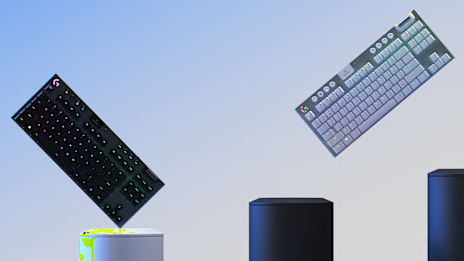
Logitech® G915 X. The Logitech G915 X features a low-profile design with LIGHTSYNC RGB and GL mechanical switches.
Logitech G915 TKL. Enjoy some of the same features the Logitech G915 X offers—but in a more compact TKL size.
Logitech PRO keyboard. If you’re looking for a simple wired keyboard with RGB lighting and clicky switches, the wired PRO keyboard is a solid choice.
Logitech G512. The Logitech G512 is a full-sized wired gaming keyboard that includes your choice of GX Brown tactile switches or GX Blue clicky switches.
Logitech PRO X TKL Rapid. Equipped with magnetic-analog switches and rapid trigger technology, the PRO X TKL Rapid
Logitech G305. The Logitech G305 LIGHTSPEED wireless gaming mouse is an affordable wireless mouse with a 250-hour battery life for serious gamers.
Logitech G502 X LIGHTSPEED. Combining the latest LIGHTSPEED wireless technology with LIGHTFORCE hybrid-optical mechanical switches, the G502 X LIGHTSPEED is a great choice for FPS games like Apex Legends.
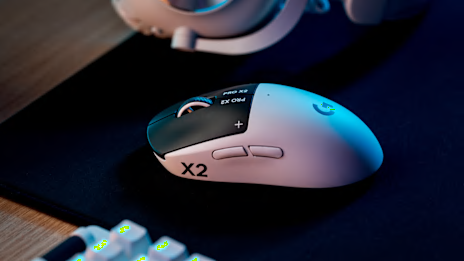
Logitech PRO X SUPERLIGHT 2. The Logitech PRO X SUPERLIGHT 2 is popular among pro gamers because of its lightweight design and low-latency performance.
Read our gaming mouse guide for more recommendations and buying tips.
Logitech Astro A50 X. The Logitech Astro A50 X wireless gaming headset offers premium sound quality, long battery life, and low-latency connectivity.
Logitech PRO X Wireless. The Logitech PRO X wireless headset is equipped with 50 mm drivers, surround sound, and BLUE VO!CE for premium gaming audio.
Logitech G321. A lightweight design, LIGHTSPEED wireless, and 20+ hours of battery life make the G321 a great all-around headset for gaming and everyday use.
Logitech G522. The G522 is designed for performance PC gaming, featuring LIGHTSYNC RGB, 40 mm PRO-G drivers for premium sound, and a battery life of up to 90 hours with lighting disabled.
Logitech G840. This extra-large cloth mouse pad has enough room for your mouse and keyboard with a sturdy rubber base for non-slip support.
Logitech G640: The Logitech G640 mouse pad is a smaller version of the Logitech G840, giving you plenty of room for mouse movements.
Logitech G440. The Logitech G440 is a hard surface gaming mouse pad with a surface that’s optimized for Logitech G mice.
Gaming accessories offer better precision, customization, and comfort—so you can tune your gaming peripherals to your play style. Get an edge over the competition with features like immersive audio, more responsive mouse tracking, and faster keystrokes.
Improve gaming comfort by choosing gaming accessories that are lightweight and designed for comfort. Heavier gaming headsets, controllers, and mice can lead to fatigue during long gaming sessions.
Choosing the best accessories depends on your platform and play style. Console gamers need a good controller, a headset, and a monitor. PC gamers need a high-quality mouse, keyboard, mouse pad, and headset.
Choosing the right gaming accessories can help you elevate your game and dominate your opponents. Whether you’re a fighting game fanatic or a competitive battle royale player, gaming accessories can make a big difference.
If you’re looking to upgrade your gaming setup, visit the Logitech G store to find a wide selection of gaming accessories.